

MGH Products · MetaTrader 4 & 5
Magic Lines
MGH-MagicLine — Trend & Multi-Timeframe Divergence in One Tool. The refined successor to running MultiStoch and MultiMACD side by side.
What if one window could tell you the trend on six timeframes, catch both types of divergence, draw every signal directly on your candles — and still stay clean enough to read at a glance?
For years, traders in the MGH ecosystem have combined two tools to get there: MultiStoch for multi-timeframe trend reading, and MultiMACD for divergence hunting. It works — but it means two windows, two sets of settings, and two indicators competing for your attention. MGH-MagicLine was engineered to end that compromise. It merges the trend-reading power of MultiStoch with the divergence intelligence of MultiMACD into a single, cleaner engine — with less lag, sharper output, and capabilities neither tool had on its own.
The Problem With the Usual Setup
If you trade trends and divergence today, you probably recognize at least a few of these frustrations:
- Running two or three indicators just to confirm one trend — each with its own window, settings, and noise.
- Matching divergence peaks and troughs between the oscillator and the price chart by eye, hoping you lined them up correctly.
- Oscillators locked to a single behavior — too slow for scalping, or too noisy for swing trading, with no way to adapt.
- Divergence tools that only detect the Regular type, leaving trend-continuation (Hidden) setups completely invisible.
- Signals limited to the nearest peaks, while the bigger, more meaningful divergences pass by undetected.
MagicLine was built to solve every line above — inside one window.
Three Line Engines — One Indicator
Most oscillators give you one personality and expect your trading style to adapt. MagicLine flips that around. Choose the Line Type in settings and the entire calculation engine changes — and the active mode is printed directly in the indicator window name, so you always know exactly what you are looking at.
| Engine | Character | Best Suited For |
|---|---|---|
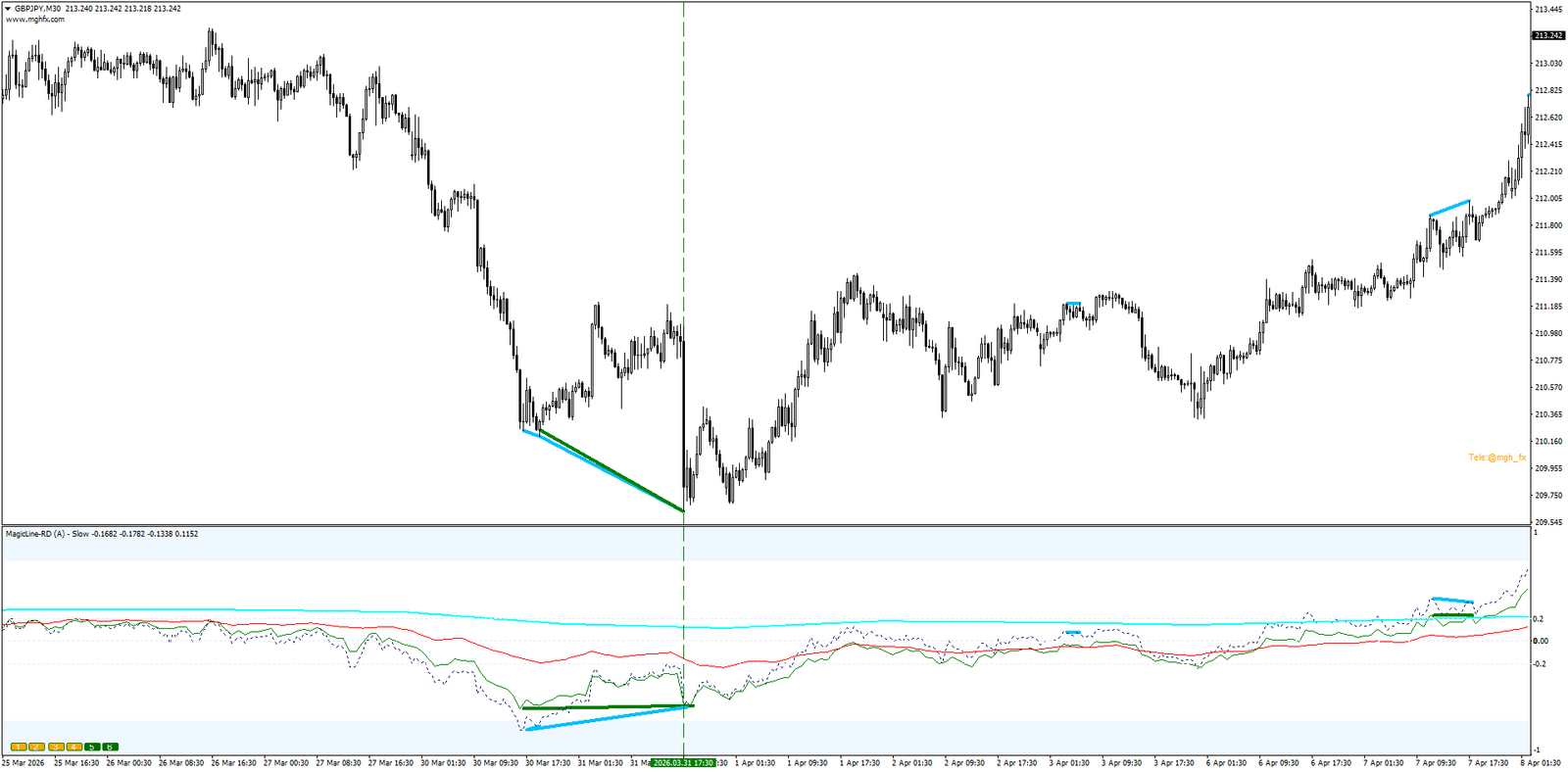
| Slow | Lowest noise of all three. Smooth, calm lines built to reveal the long-term direction. Lines reaching the ±0.2 zone confirm the dominant trend. | Position & swing traders who want to stay on the right side of the big move |
| Long | Clean trend detection with noticeably more responsiveness. The balanced, everyday choice — and the author’s personal favorite. | All-round trend trading on any timeframe |
| Fast | The quickest reaction of the three. Tracks momentum shifts almost instantly. | Scalpers and intraday momentum traders |
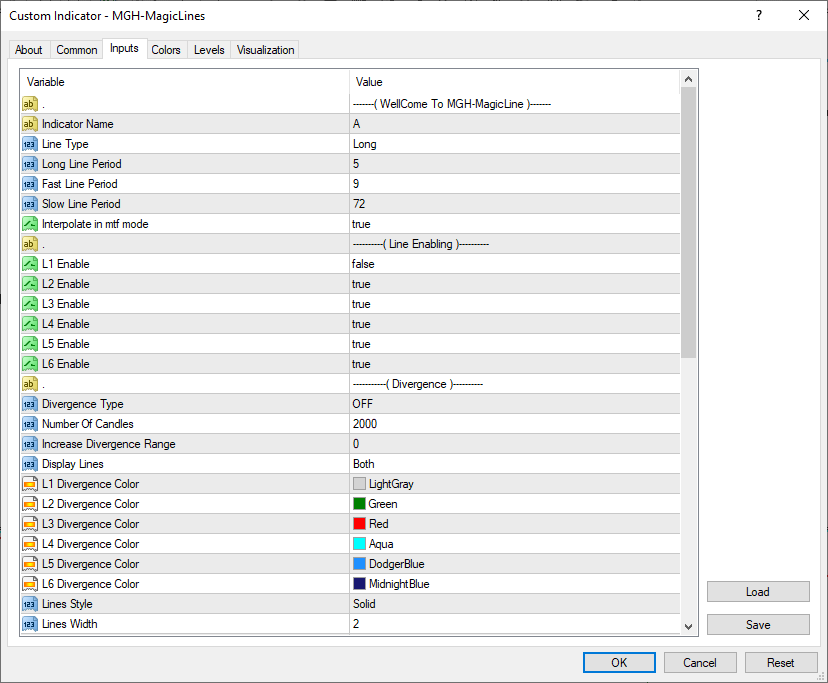
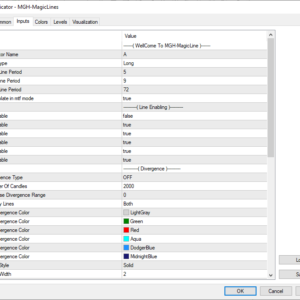
Each engine has its own independent period setting, so you can tune all three to your market and keep switching between them as conditions change — without ever loading a different indicator.
Six Timeframes in One Window
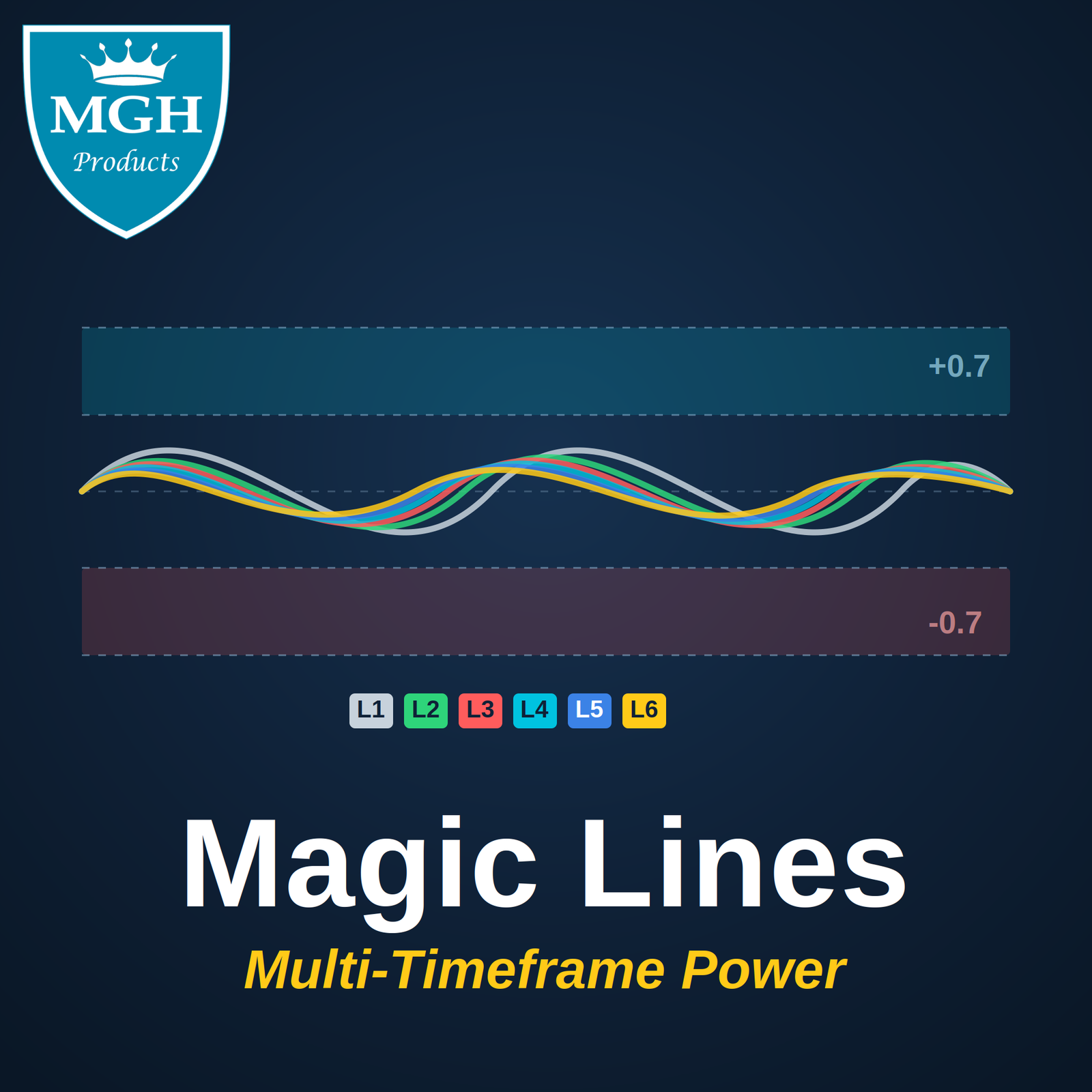
Just like MultiStoch and MultiMACD, MagicLine plots up to six independent lines — and each line is tied to a higher timeframe. The result is a complete multi-timeframe picture living inside a single sub-window, with zero chart flipping.
- Hover any line and a tooltip instantly tells you which timeframe it represents.
- Toggle every line ON or OFF with the on-chart buttons (1–6) — no need to reopen settings.
- See the higher-timeframe trend and your entry timeframe together, in one glance.
- Adjustable Overbought / Center / Oversold zones act as a built-in trend-strength gauge.
Regular & Hidden Divergence — Both Covered
Divergence comes in two flavors, and serious traders need both. Set the Divergence Type to Regular or Hidden, and the mode (RD / HD) is appended to the indicator name automatically — so when you run multiple instances on the same chart, each window stays instantly identifiable.
RD — Regular Divergence
The Reversal Hunter
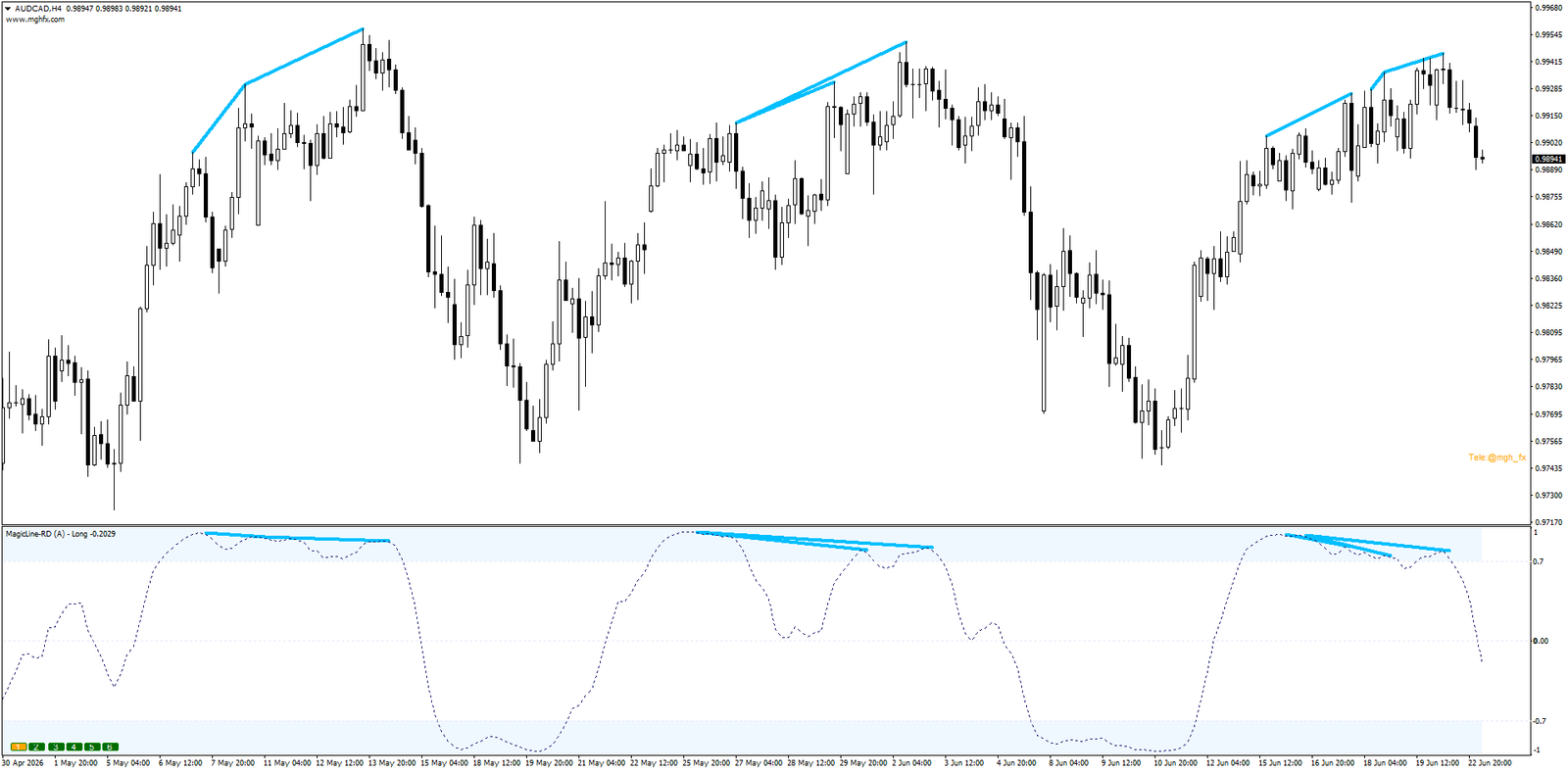
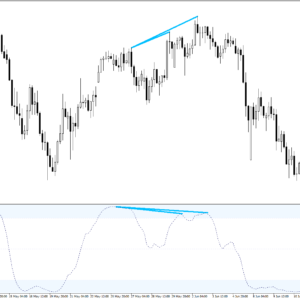
Price makes a new extreme while the indicator refuses to follow. RD highlights the moments a trend may be running out of fuel — potential reversal zones, spotted early.
HD — Hidden Divergence
The Continuation Signal
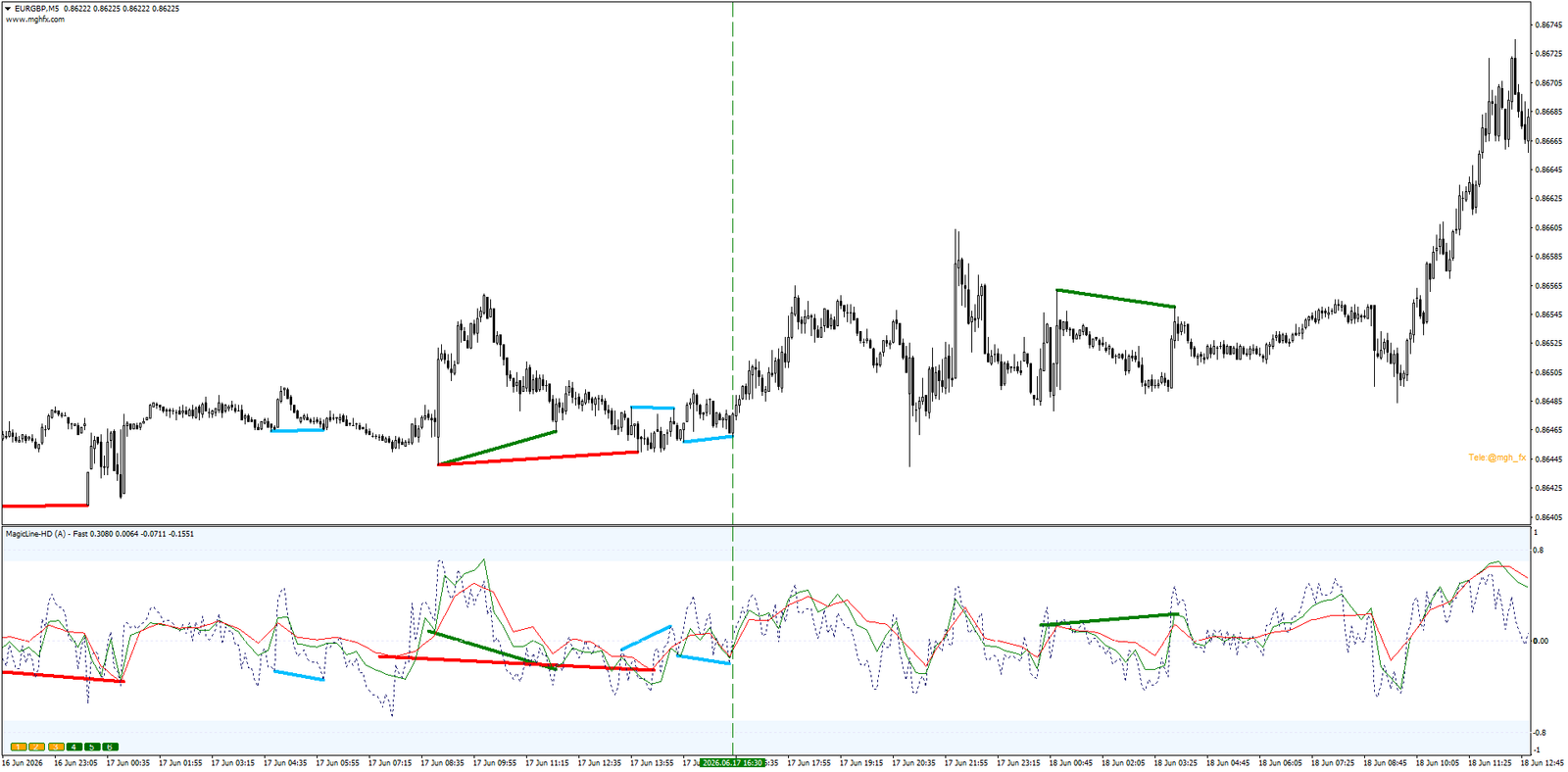
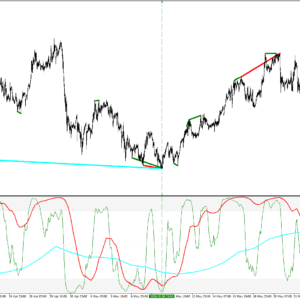
The signal most traders never see. HD confirms that a pullback is just a pullback — and the underlying trend is preparing to continue. The favorite weapon of trend-followers.
Drawn Twice — So You Never Match Peaks by Eye Again
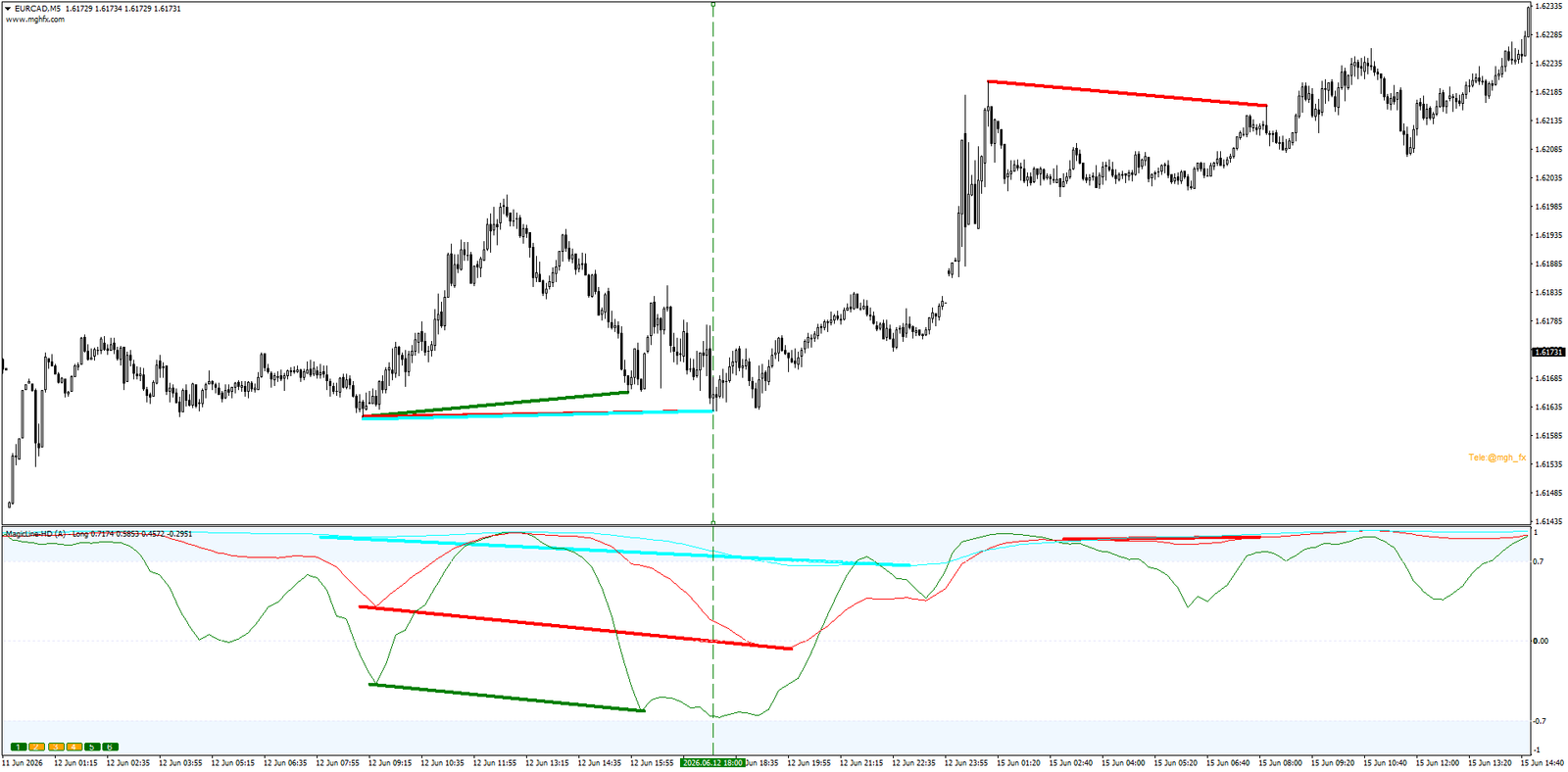
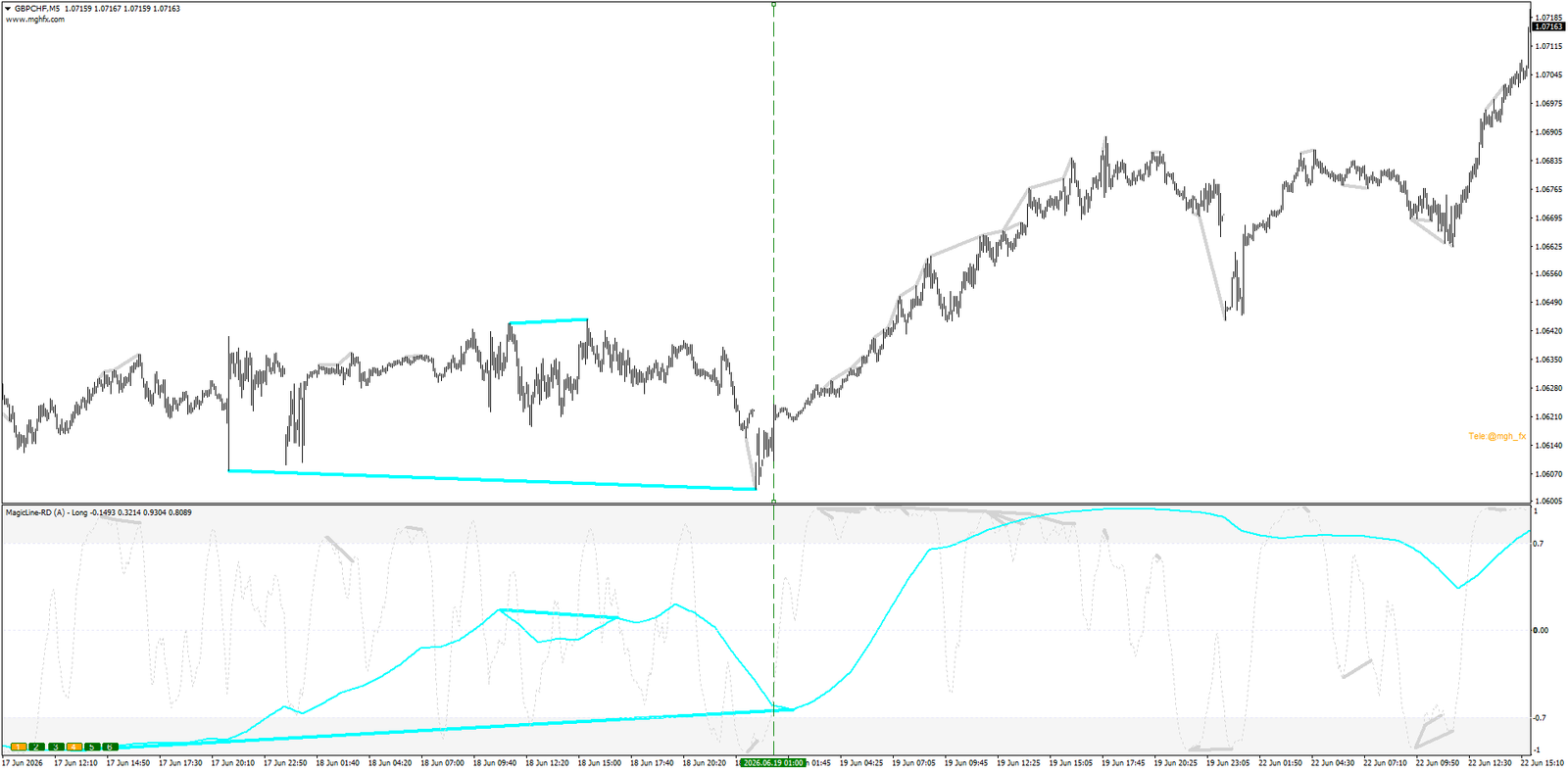
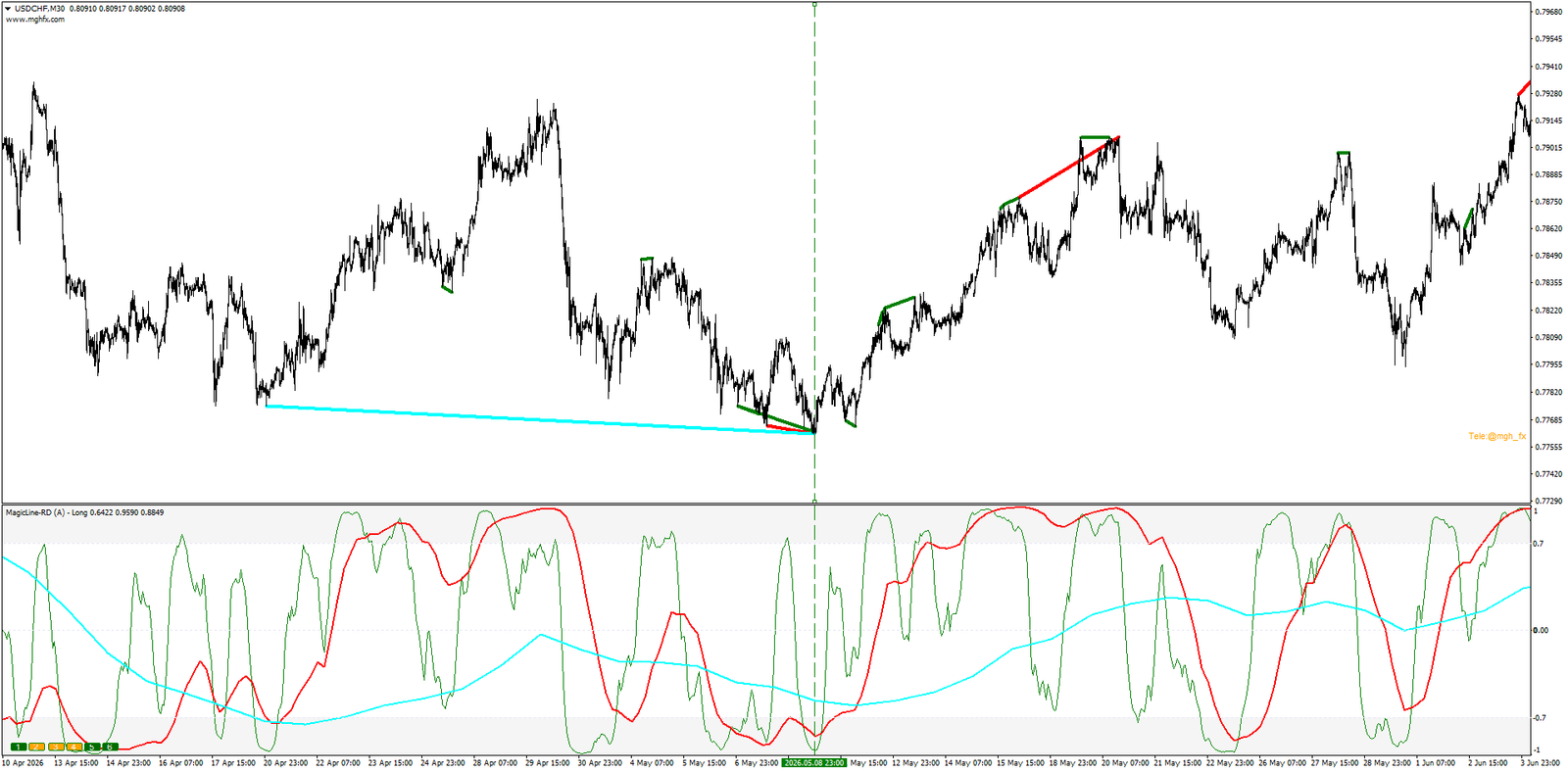
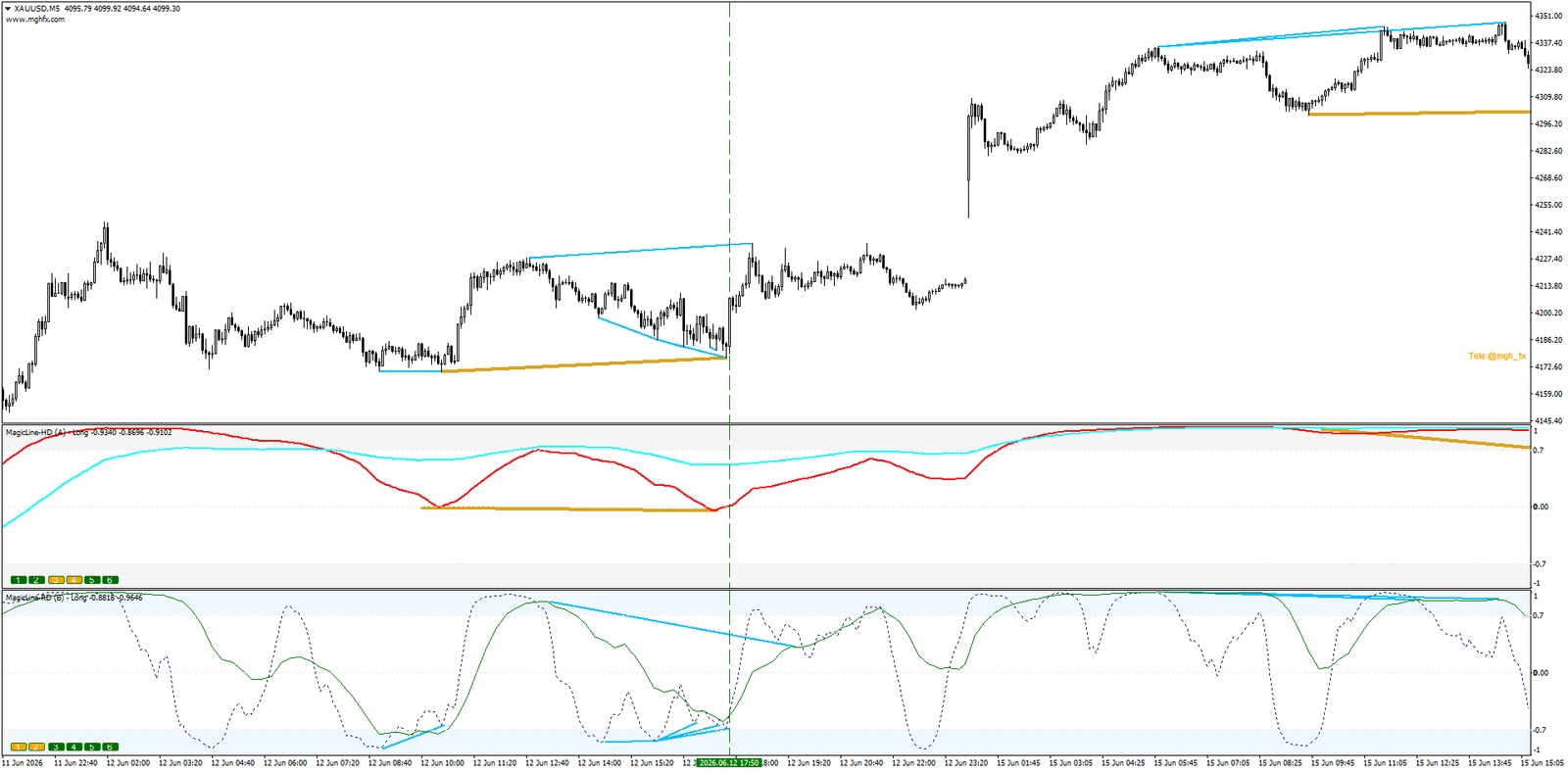
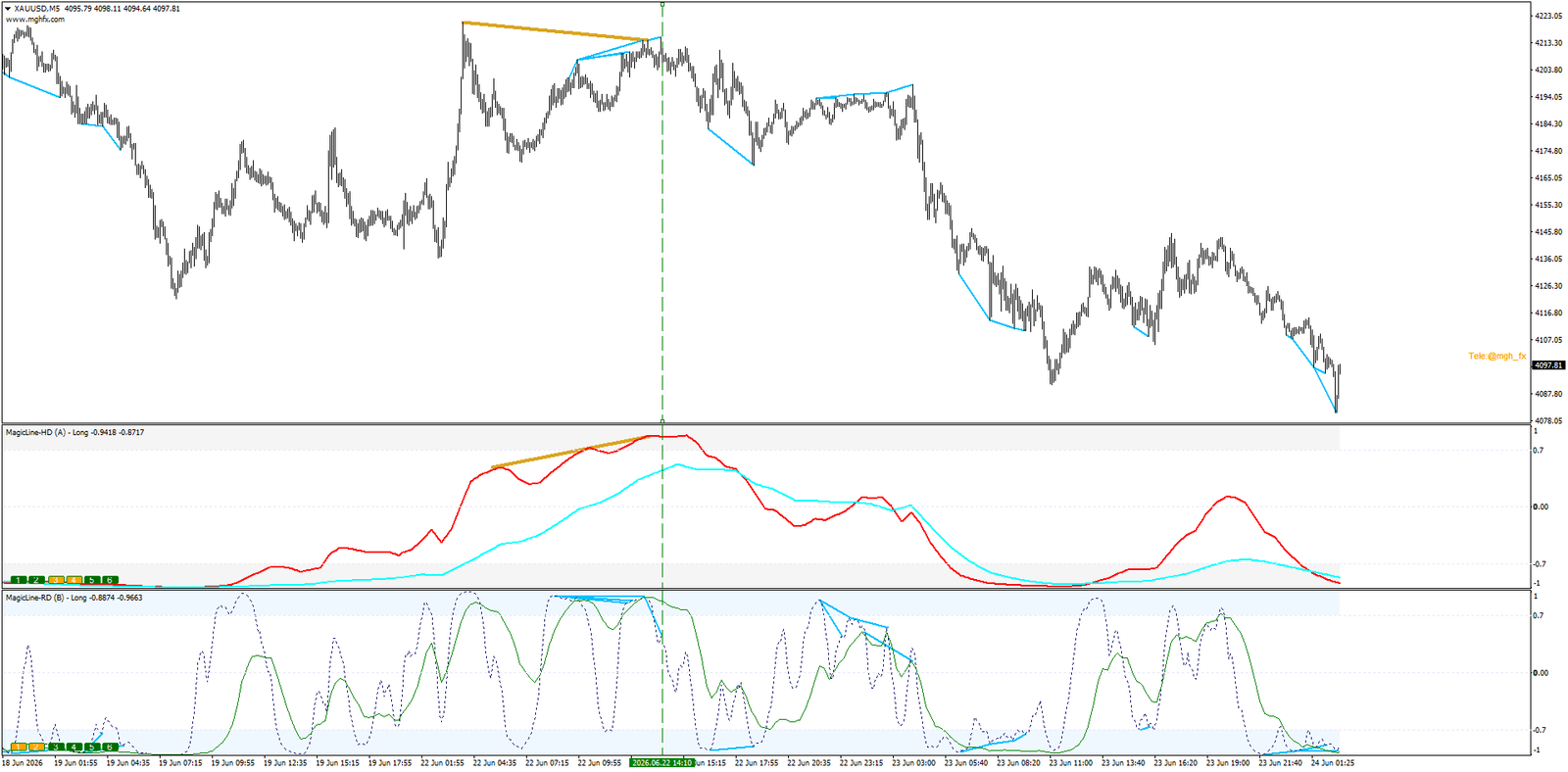
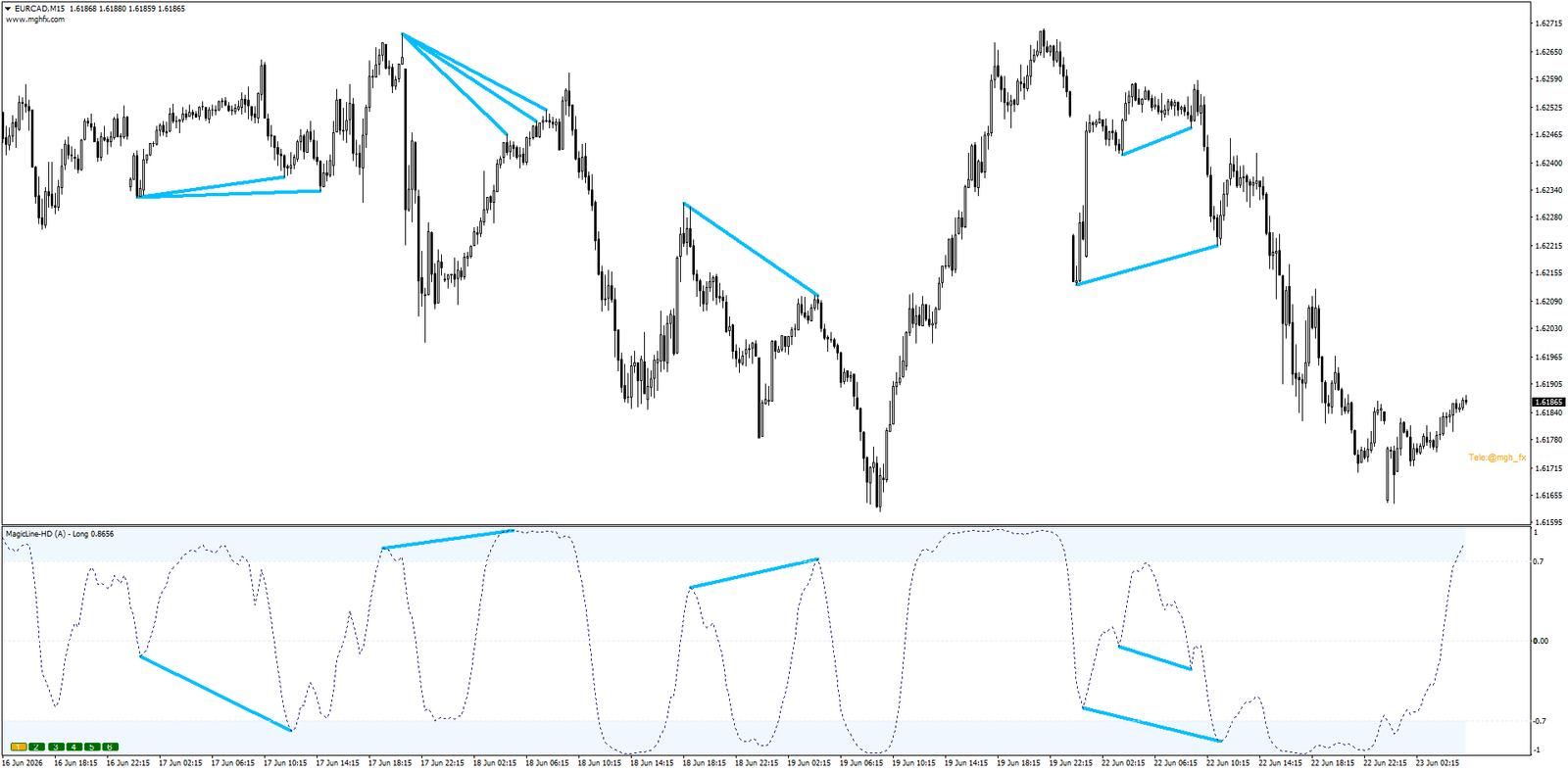
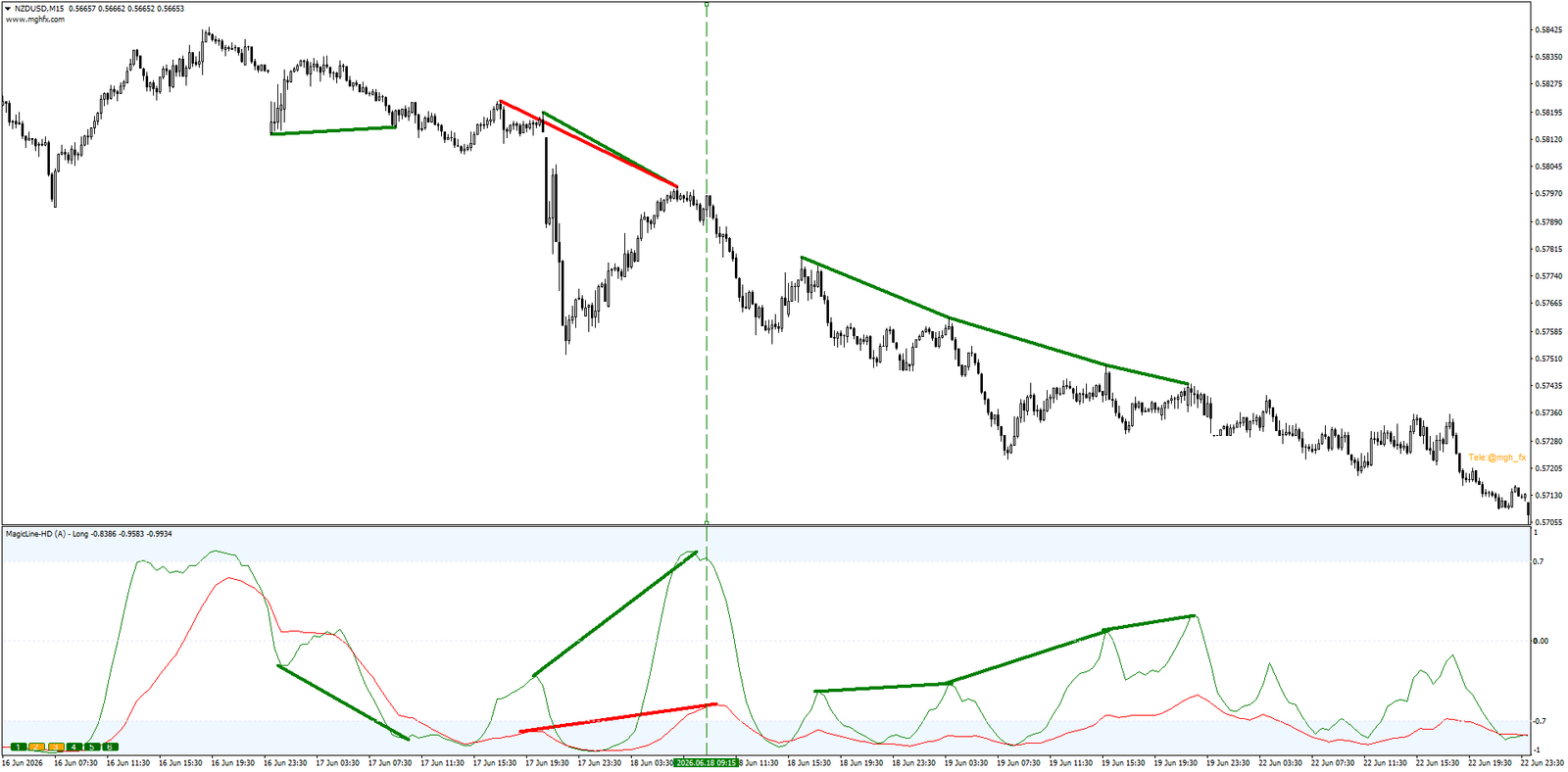
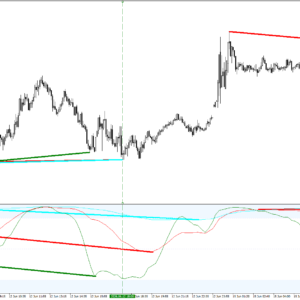
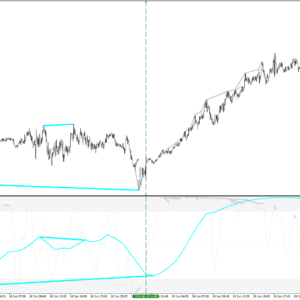
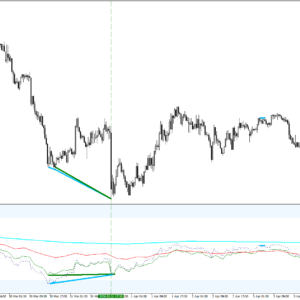
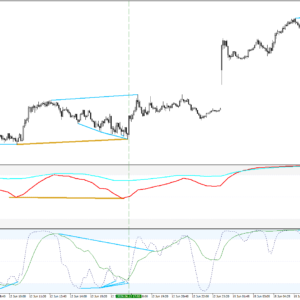
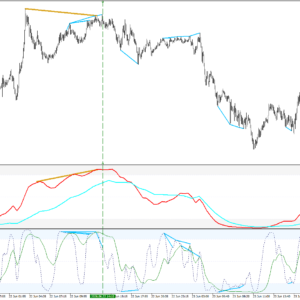
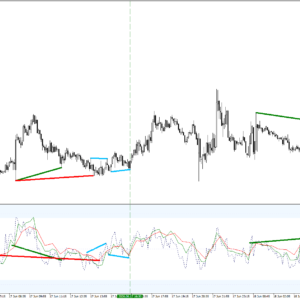
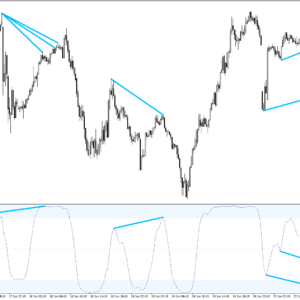
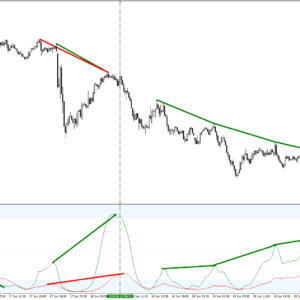
Every detected divergence is plotted in the indicator window and directly on the price chart, connecting the exact candles involved — and it is color-coded per timeframe (L1 light gray, L2 green, L3 red, L4 aqua, L5 dodger blue, L6 midnight blue). One look at the color tells you which timeframe produced the signal. No more squinting between windows trying to line up highs and lows: MagicLine connects the dots for you, automatically.
Reach Farther With Increase Divergence Range
Standard divergence tools only connect the nearest peaks. The Increase Divergence Range input extends detection to farther peaks and valleys — surfacing the larger, higher-significance divergences that other indicators simply never draw. Combined with the Number Of Candles depth control, you decide exactly how far back and how wide the engine scans.
Two Battle-Tested Ways to Trade It
MagicLine is more than an indicator — it is a framework. These are the two approaches demonstrated in the video above, and the ones the author personally trades:
- Divergence Stacking. Multiple RD signals (or multiple HD signals) from different timeframes converging on the same candle. Each color is a different timeframe agreeing at the same spot — and the more lines that stack, the higher the conviction. One glance at the chart shows you when several timeframes are shouting the same message.
- RD + HD Confluence. Run two instances side by side: Hidden divergence from a higher timeframe (Daily/Weekly) gives you the direction the trend wants to continue, while Regular divergence from a lower timeframe (H1/H4) times your entry into that move. When both windows agree at the same turn, you are looking at one of the most robust confirmation patterns available — from a single pair of indicator instances.
Three Independent Alerts — Delivered Anywhere
You should not have to babysit charts to catch these signals. MagicLine ships with three separate alert engines, each of which can be enabled independently:
OB/OS BreakMomentum entering the Overbought or Oversold zone — trend strength confirmation in real time.
Center BreakA line crossing the center level — often the earliest sign of a shift in control.
DivergenceFires the moment a Regular or Hidden divergence is confirmed on your chart.
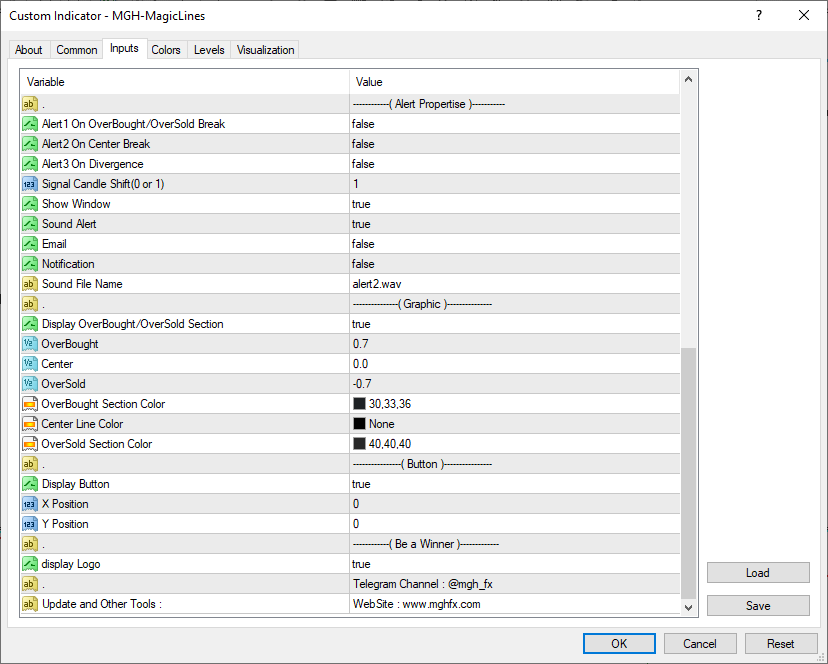
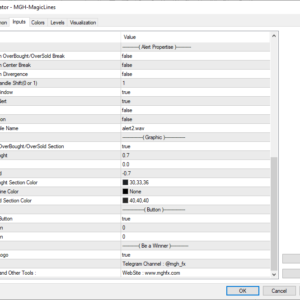
Delivery is your choice: on-screen popup, sound, email, or push notification straight to your phone. A Signal Candle Shift input (0 or 1) lets you decide whether alerts fire on the live candle or only on confirmed closes — the professional way to avoid premature signals.
Who Is MagicLine Built For?
Trend TradersRead the dominant direction across six timeframes and never fight the bigger picture again.
Divergence HuntersBoth RD and HD, drawn on price, color-coded, with extended-range detection others miss.
ScalpersSwitch to the Fast engine and catch momentum shifts the instant they happen.
System BuildersA powerful, flexible confirmation layer that plugs into almost any trend-based strategy.
Feature Summary
🎛️
Three Line Engines
Slow, Long, and Fast calculation modes with independent periods — one indicator, three trading personalities, switchable in seconds.
🕰️
Six Timeframe Lines
Up to 6 lines, each tied to its own higher timeframe, with hover tooltips and on-chart ON/OFF buttons for instant control.
🔀
RD + HD Detection
Regular and Hidden divergence engines with the active mode shown in the window name — run both side by side with total clarity.
🖍️
On-Chart Drawing
Every divergence drawn in the window and on the candles simultaneously, color-coded per timeframe. No manual peak-matching, ever.
📐
Extended Range Scan
Increase Divergence Range reaches farther peaks and valleys, surfacing the large-scale setups standard tools never detect.
📡
Full Alert Suite
Three independent alerts across four delivery channels — popup, sound, email, and mobile push — with closed-candle confirmation.
Up and Running in Two Minutes
- Attach MagicLine to any chart, any symbol, any timeframe.
- Pick your Line Type — Slow for the big picture, Long for balance, Fast for speed.
- Enable the timeframe lines you want (L1–L6) — in settings or with the on-chart buttons.
- Set Divergence Type to Regular, Hidden, or OFF — and optionally load a second instance for the RD + HD confluence method.
- Switch on your alerts, choose the delivery channels, and let MagicLine watch the market for you.
Questions about settings or strategy configurations? Message me directly through my MQL5 profile — I personally answer every message and I am happy to help you fit MagicLine to your exact trading workflow. Contact the author →
🔗 Looking for the MT5 version? Click here → Magic Lines MT5
See the Whole Market in One Window
Download the free demo, load MagicLine on your own charts, and test it against your own strategy. Try the three engines. Stack the divergences. Run RD + HD together. Let the chart convince you — before you spend a cent.
MT4 version shown · MT5 version available separately · Rent from $30/month on MQL5 Market

Reviews
There are no reviews yet.