
Cross Alert Histogram MT5
MGH-CrossAlert Histogram — Know the Trend Direction at a Glance
What if you could see the relationship between any two lines — not just as a single crossover moment, but as a continuous, color-coded histogram displayed bar by bar right below your chart? Most traders watch two lines on the price chart and wait for them to cross. MGH-CrossAlert Histogram takes a fundamentally different approach: instead of monitoring overlapping lines on the price chart, it gives you a dedicated sub-window histogram that tells you at every single candle which line is dominant, how strong that dominance is, and the precise moment the balance of power shifts. No clutter on your price chart. Just clean, instant, actionable visual information.
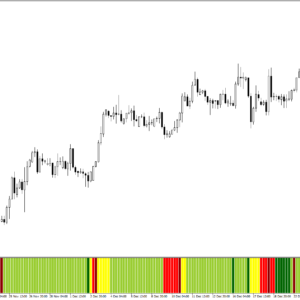
🟢 Green. 🔴 Red. 🟡 Yellow. That’s All You Need.
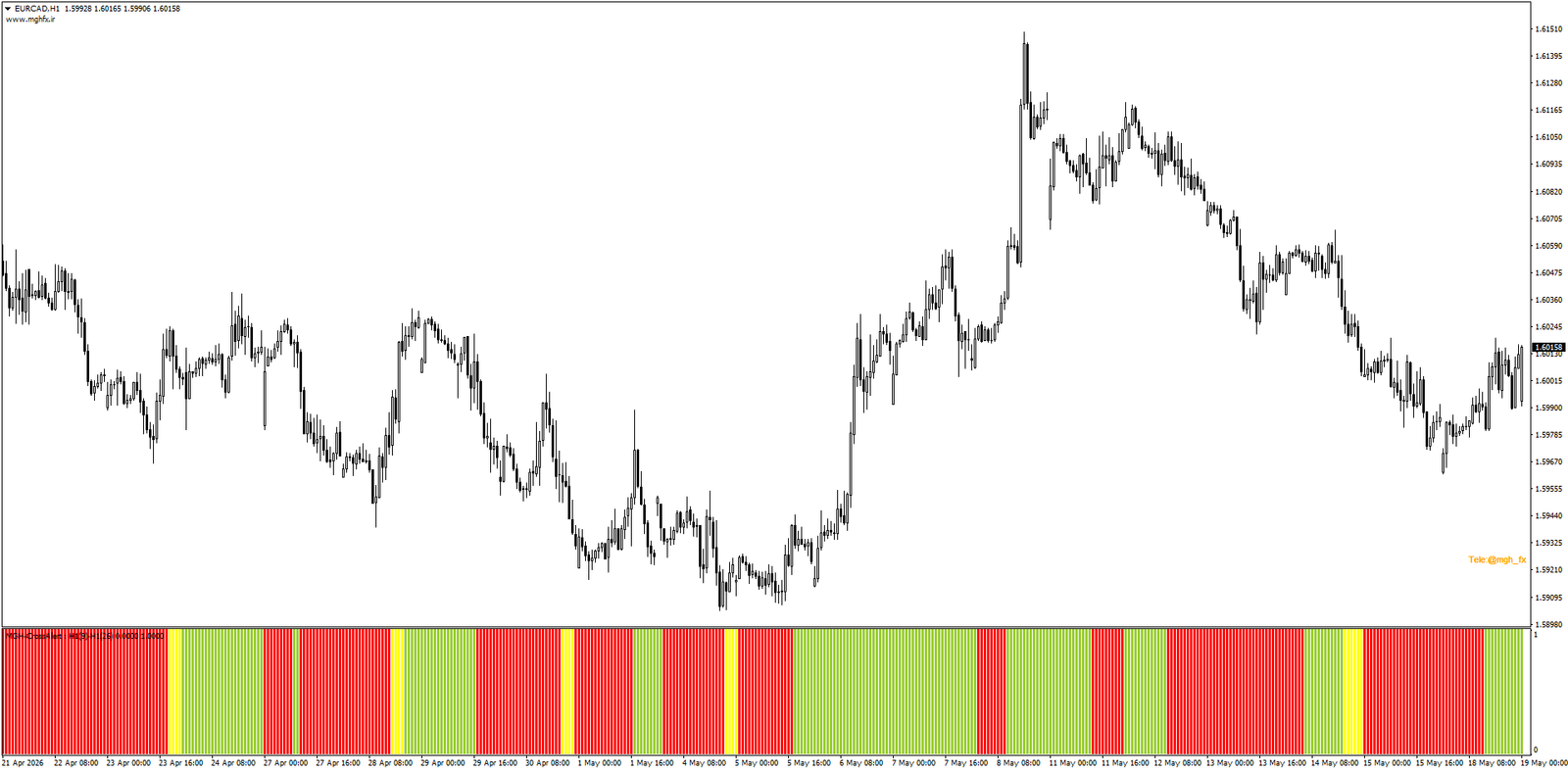
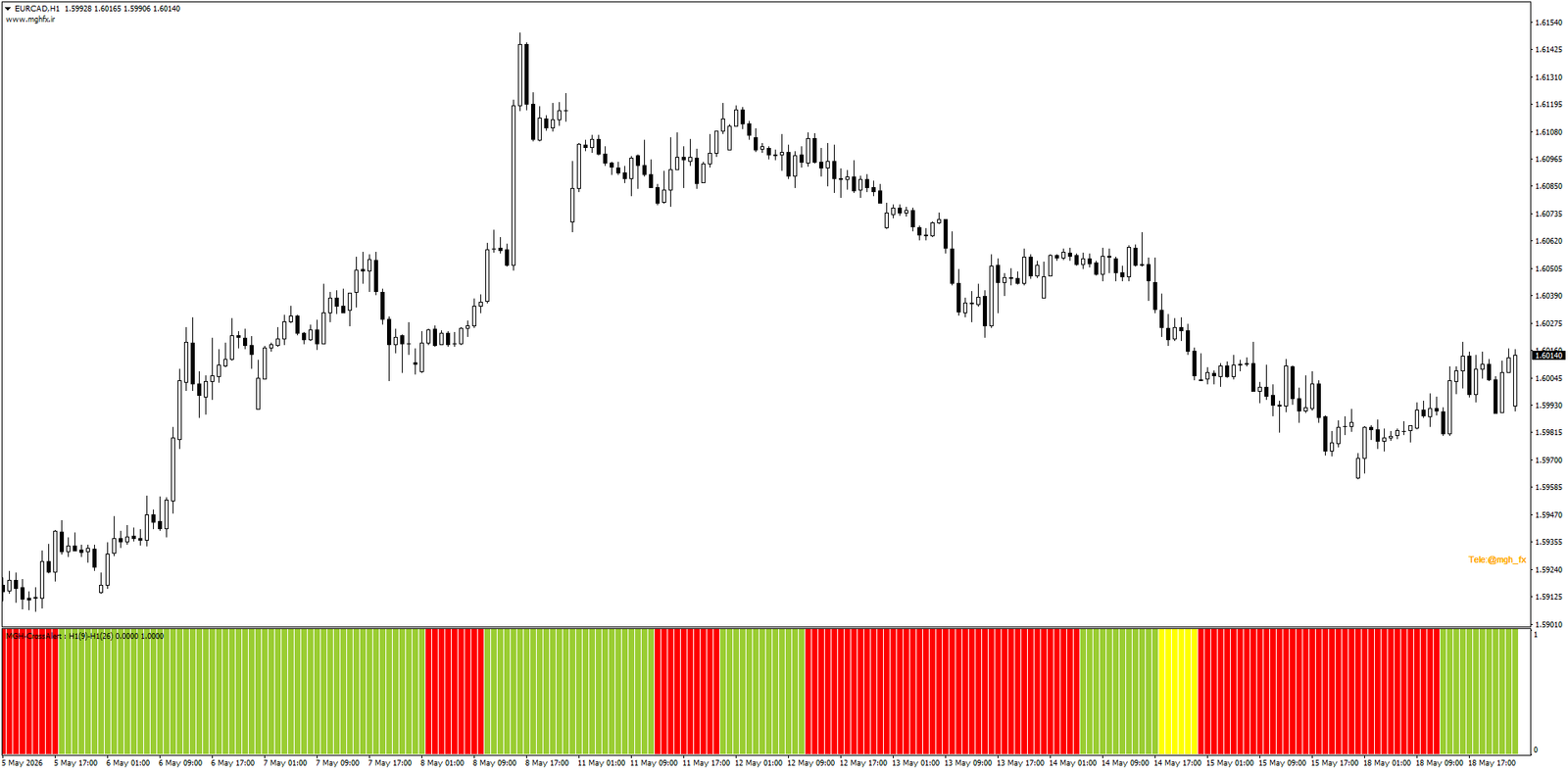
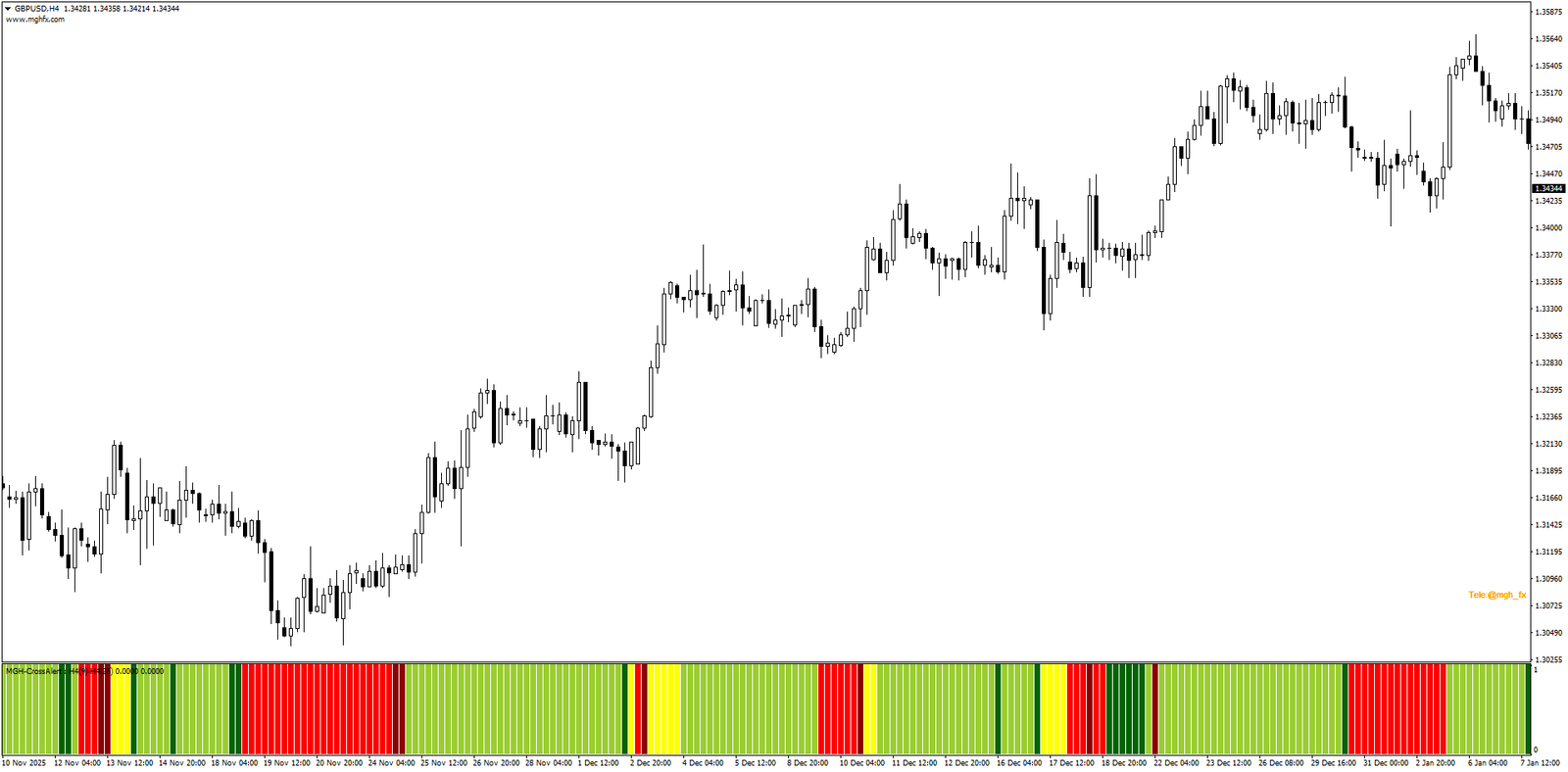
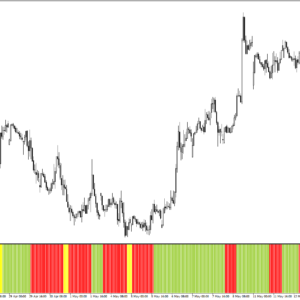
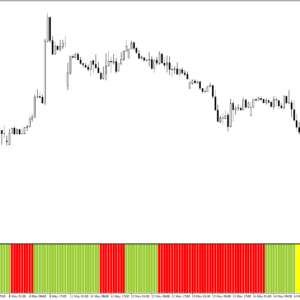
The color logic behind MGH-CrossAlert Histogram is designed to be read instantly, without any conscious analysis. A single glance at the sub-window tells you everything about the current relationship between your two selected lines:
🟢 Green — Bullish Structure
Line 1 is above Line 2. The dominant line is in control. Bullish bias is active.
🔴 Red — Bearish Structure
Line 2 is above Line 1. The balance has shifted. Bearish bias is in effect.
Every bar on the histogram reflects the live relationship between your two selected lines. The moment the color changes, the balance of power has shifted — and you see it immediately, with complete clarity, without hunting for the intersection point on a busy price chart.
⚡ Professional Histogram Mode — See the Strength, Not Just the Direction
Knowing whether Line 1 is above or below Line 2 is useful. Knowing whether that relationship is growing stronger or fading is the edge that separates reactive traders from proactive ones. Activate Professional Histogram mode and the indicator adds a second layer of intelligence to every bar it draws.
⚙️ Same Powerful Engine — Full Line Flexibility
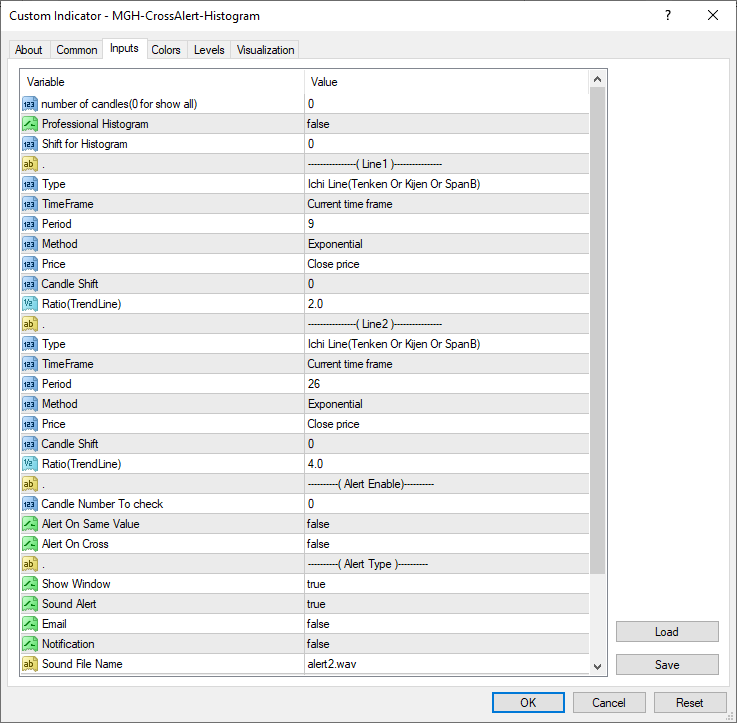
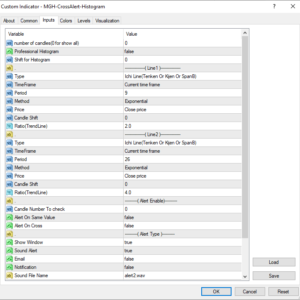
Every aspect of both lines is independently configurable:
| Parameter | Available Options |
|---|---|
| Line Types | Ichimoku lines (Tenkan-sen, Kijun-sen, Span A, Span B, Chikou Span), any Moving Average, Trend Line, or raw Price |
| Timeframe per Line | Each line references its own independent timeframe — monitor H1 Tenkan against H4 Kijun on the same chart |
| MA Methods | Simple (SMA), Exponential (EMA), Smoothed (SMMA), Linear Weighted (LWMA) |
| Shift Support | Apply candle-level shifts to either line for advanced structures like Tenkan+17 |
| Histogram Shift | Shift the entire histogram forward or backward in the sub-window for alignment purposes |
| Auto TF Multiplier | Auto 2× through 5× — automatically adapts the timeframe based on your current chart period |
🔔 Alert System — Built In
⚡Alert On Cross
Fires when the histogram color changes from green to red or red to green.
🟡Alert On Same Value
Fires when the two lines reach equality — the yellow bar condition.
🖥️Popup
On-screen alert the moment an event occurs.
📱Push to Mobile
Notified on your phone even away from the screen.
📊 Practical Use Cases
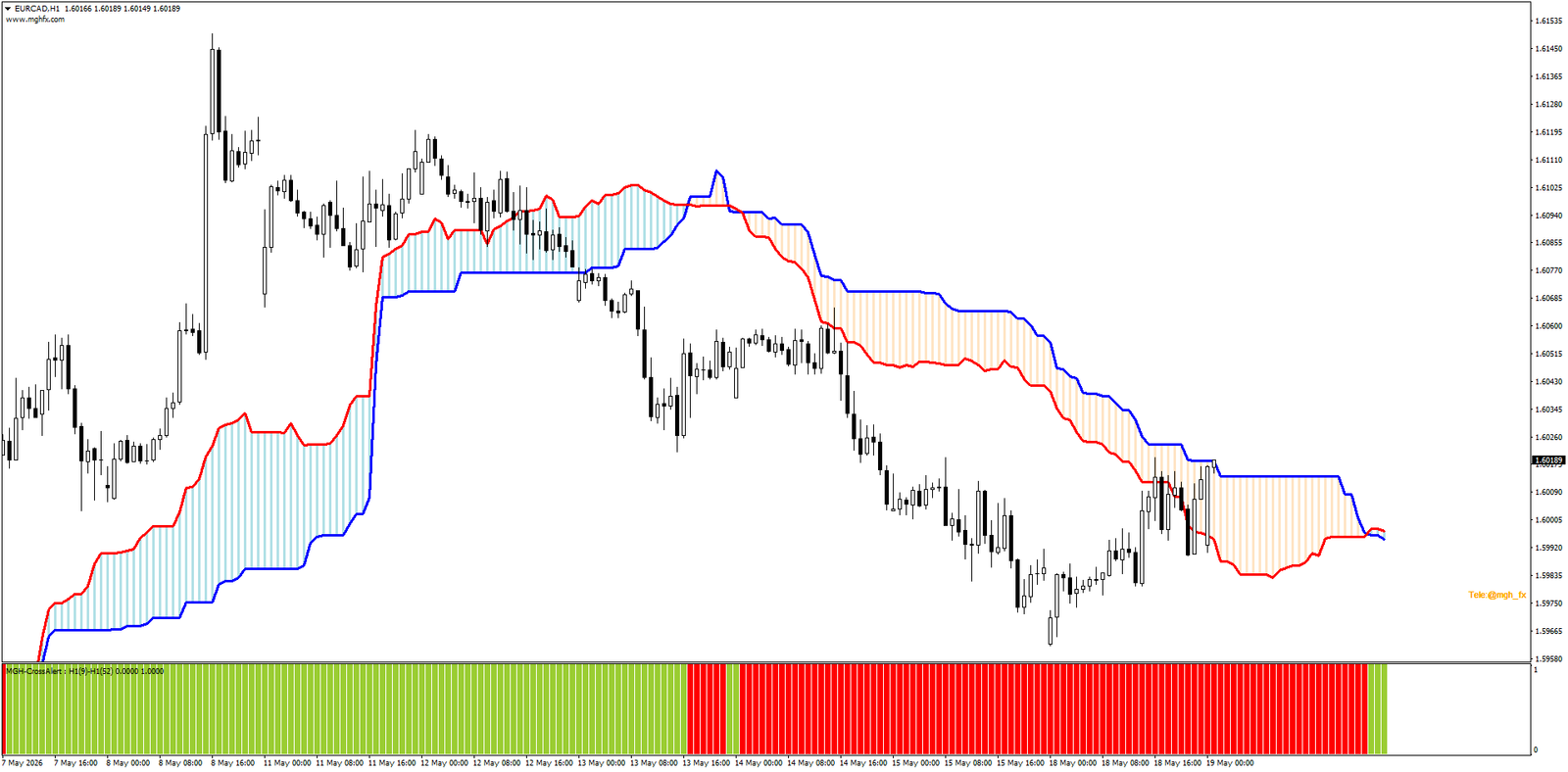
- Tenkan vs Kijun histogram — see every TK cross and its strength as a clean color-coded sub-window, without any overlapping lines cluttering your price chart.
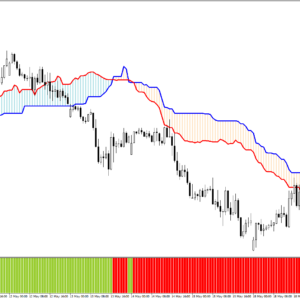
- Kumo cloud direction dashboard — monitor Span A vs Span B dominance bar by bar across any timeframe.
- Multi-timeframe MA crossover tracking — set Line 1 to H4 SMA 50 and Line 2 to H1 EMA 9, and watch their relationship evolve in real time.
- Price vs Moving Average position — instantly see whether price is above or below a key moving average on any selected timeframe.
- Professional mode momentum warning — use darkening bars to detect when a trend is losing conviction before the crossover arrives.
- Chikou Span relationship monitoring — one of the most complex Ichimoku signals made visually simple.
🛠️ Clean Setup — Done in Two Minutes
- Select Line 1 type and set its period, MA method, applied price, timeframe, and candle shift.
- Repeat for Line 2 with its own independent parameters.
- Enable Professional Histogram for the two-shade momentum layer.
- Configure alert conditions: on cross, on equality, or both.
- Select delivery methods: popup, sound, email, and/or push notification.
- Click OK. Works on any symbol, any timeframe.
👤 Who Is This For?
👁️Visual Traders
Trend direction at a glance without analyzing overlapping lines on a crowded price chart.
🌊Ichimoku Traders
Visualize TK crosses, Kumo dynamics, and Chikou relationships more clearly than any on-chart approach.
🕰️Multi-TF Analysts
A quick dashboard of higher-timeframe line relationships without switching charts.
⏰Early Warning Seekers
Detect momentum fading and position for a crossover before it actually happens.
⭐ Feature Summary
📊
Sub-Window Histogram
Dedicated sub-window keeps your price chart completely clean while showing the full line relationship story bar by bar.
🎨
3-Color Signal Logic
Green, Red, Yellow — instant visual readout of dominance, reversal, and crossover with zero ambiguity.
⚡
Professional Mode
Bright/dark dual-shade bars reveal whether momentum is expanding or contracting — before the crossover happens.
🕰️
Per-Line Timeframes
Each line carries its own independent timeframe, including Auto 2×–5× multipliers.
🔔
Built-In Alert Engine
Cross and equality alerts with live or closed-candle confirmation via popup, sound, email, or push.
🔗
MT4 Version Available
A MetaTrader 4 compatible version with the full identical feature set is available separately.
Also available: MGH-CrossAlert Cloudy — the on-chart companion with a live color-coded cloud drawn directly between the two lines on your price chart. View CrossAlert Cloudy (MT5) →
Questions about setup or custom configurations? Message me directly through MQL5. Contact the author →
🔗 Looking for the MT4 version? Click here → Cross Alert Histogram MT4
Direction. Strength. Timing. All in One Color.
Attach the histogram to any chart, on any symbol, and see the relationship between your two lines come alive bar by bar — before you spend a single dollar.
Reviews
There are no reviews yet.