
Magic Lines MT5
MGH-MagicLine for MetaTrader 5 — trend detection, multi-timeframe divergence, and full per-line timeframe control in one window. Everything the MT4 version offers, plus the expanded timeframe range that MT5 makes possible.
MagicLine was built to replace the two-tool workflow most trend and divergence traders rely on — MultiStoch for reading the trend across timeframes, and MultiMACD for catching divergence signals. Both tools in one window, cleaner output, less lag, and a set of capabilities neither tool had on its own.
The MT5 version delivers everything in the MT4 edition — and goes further. Because MetaTrader 5 natively supports a much wider range of chart periods, this version adds full per-line timeframe control: assign any MT5 timeframe to any of the six lines, or let the built-in Auto algorithm handle the spread for you.
What MT5 Adds — Full Timeframe Control
This is the feature that makes the MT5 version the more powerful edition for traders who care about precision in their multi-timeframe setup. The new Line TimeFrame section gives you two modes:
TimeFrame Type — Auto vs From Inputs
Choose how the six lines are assigned their timeframes — fully automatic, or fully manual.
The indicator applies a smart neighboring-timeframe rule: each successive line is assigned a timeframe at least 3× larger than the previous one, calculated automatically from your current chart period. Open on M15 and the lines spread upward intelligently. Switch to H1 and they re-anchor to the new context — zero reconfiguration required. This is the recommended mode for most traders.
Take complete manual control. Assign any MT5 period — from M1 to Monthly — independently to each of the six lines (L1 through L6). The full MT5 timeframe list is available: M1, M2, M3, M4, M5, M6, M10, M12, M15, M20, M30, H1, H2, H3, H4, H6, H8, H12, D1, W1, MN. Build the exact multi-timeframe spread your strategy demands.
Three Line Engines — One Indicator
Choose the Line Type in settings and the calculation engine changes — with the active mode printed in the indicator window name so you always know what you are looking at.
| Engine | Character | Best For |
|---|---|---|
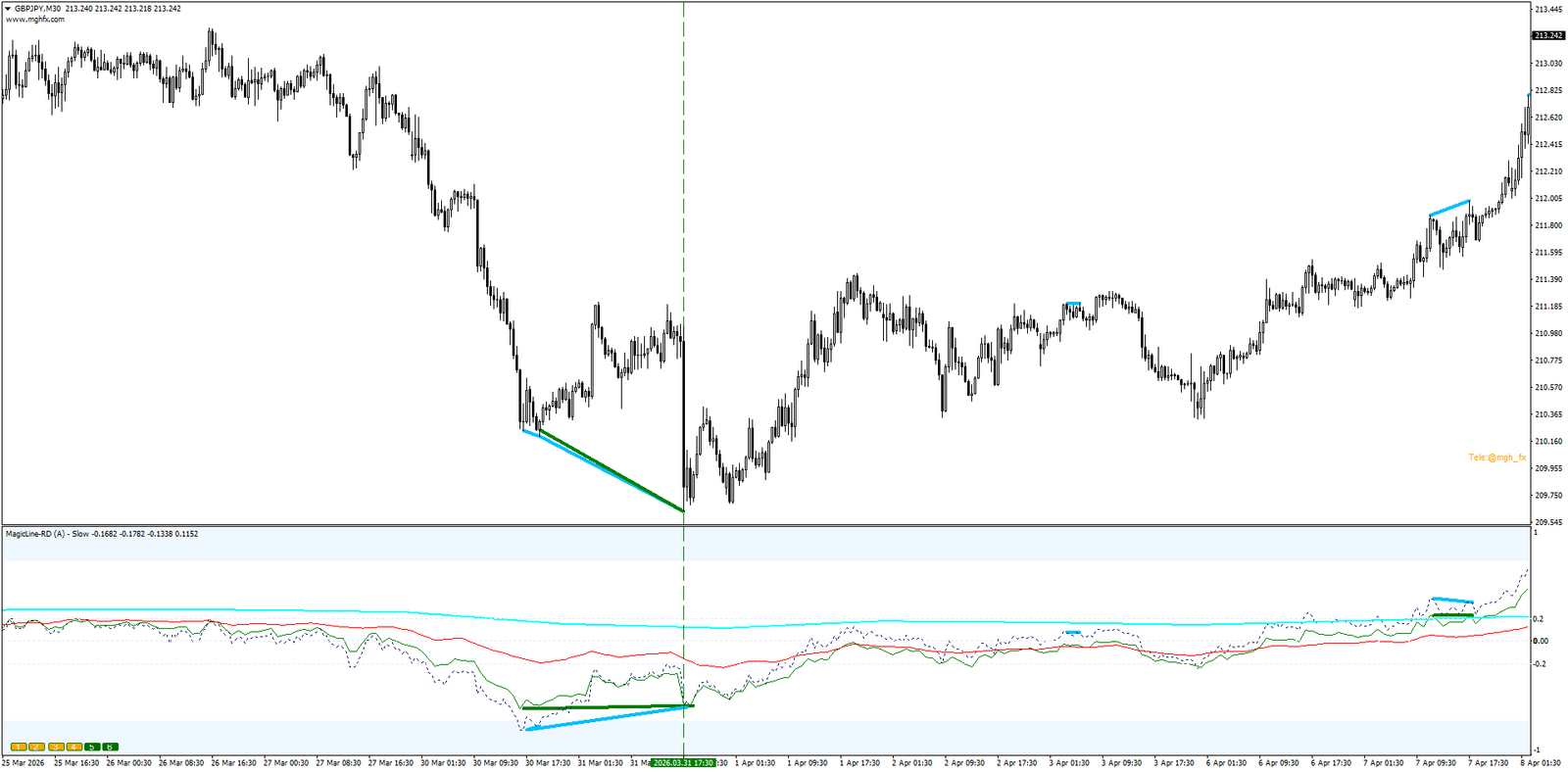
| Slow | Lowest noise. Smooth lines built to reveal the long-term trend direction. Lines reaching ±0.2 confirm the dominant trend. | Position & swing traders |
| Long | Clean trend detection with more responsiveness. The balanced everyday choice — and the author’s personal favorite. | All-round trend trading |
| Fast | Quickest reaction. Tracks momentum shifts almost instantly. | Scalpers & intraday traders |
Six Lines, Six Timeframes
- Up to 6 independent lines, each on its own timeframe — assigned automatically or manually.
- Hover any line to confirm its timeframe via tooltip.
- Toggle each line ON/OFF with the on-chart buttons (1–6) — no need to reopen settings.
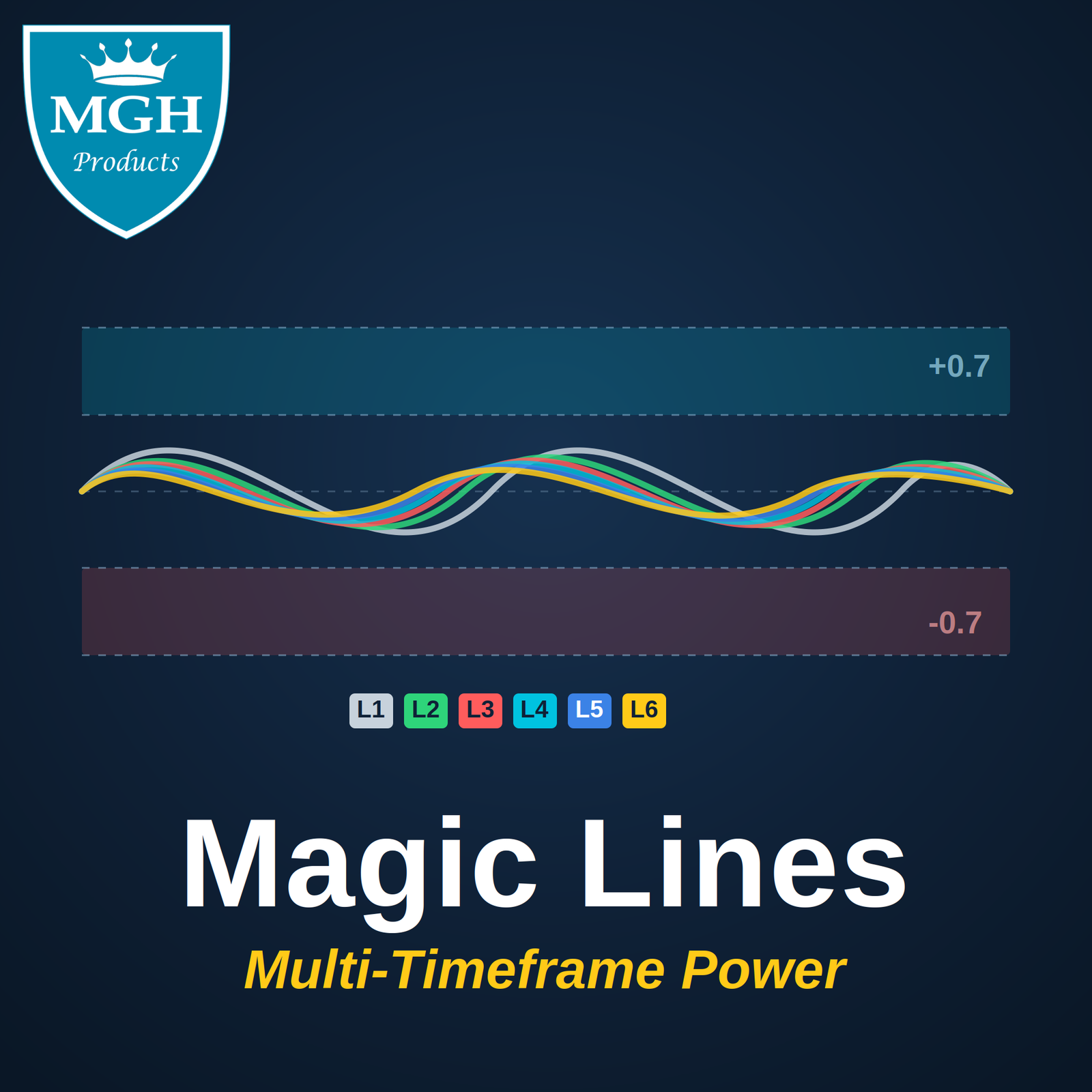
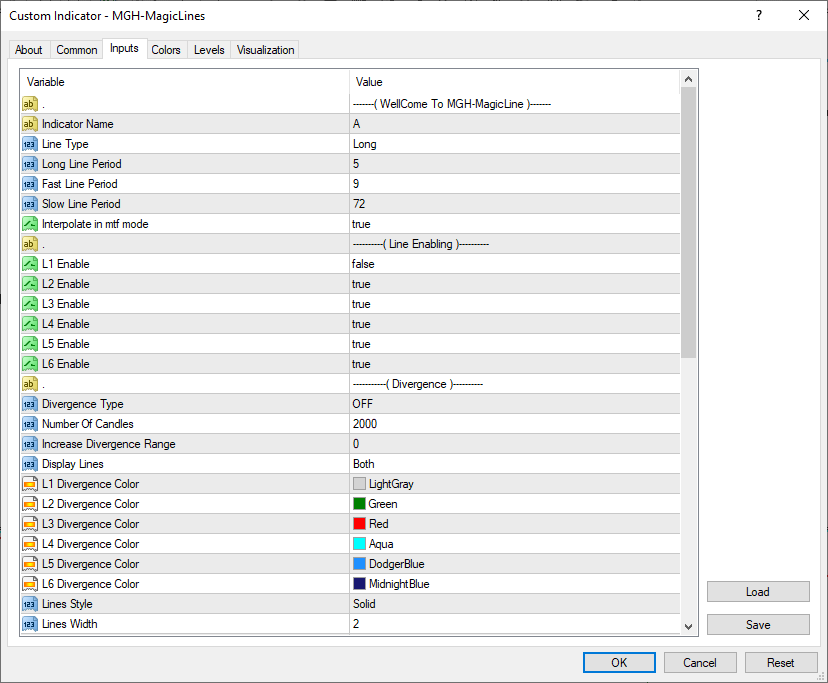
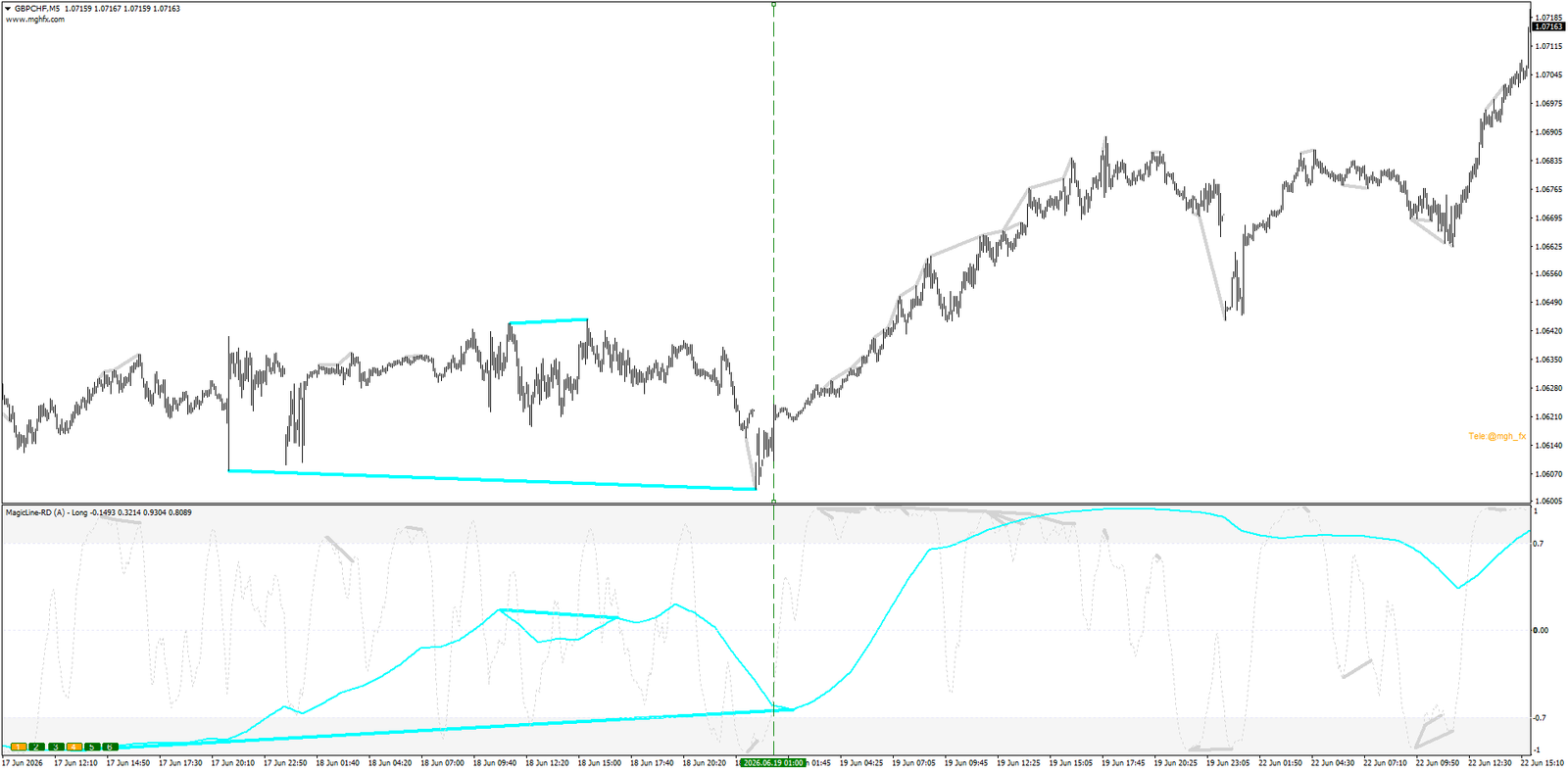
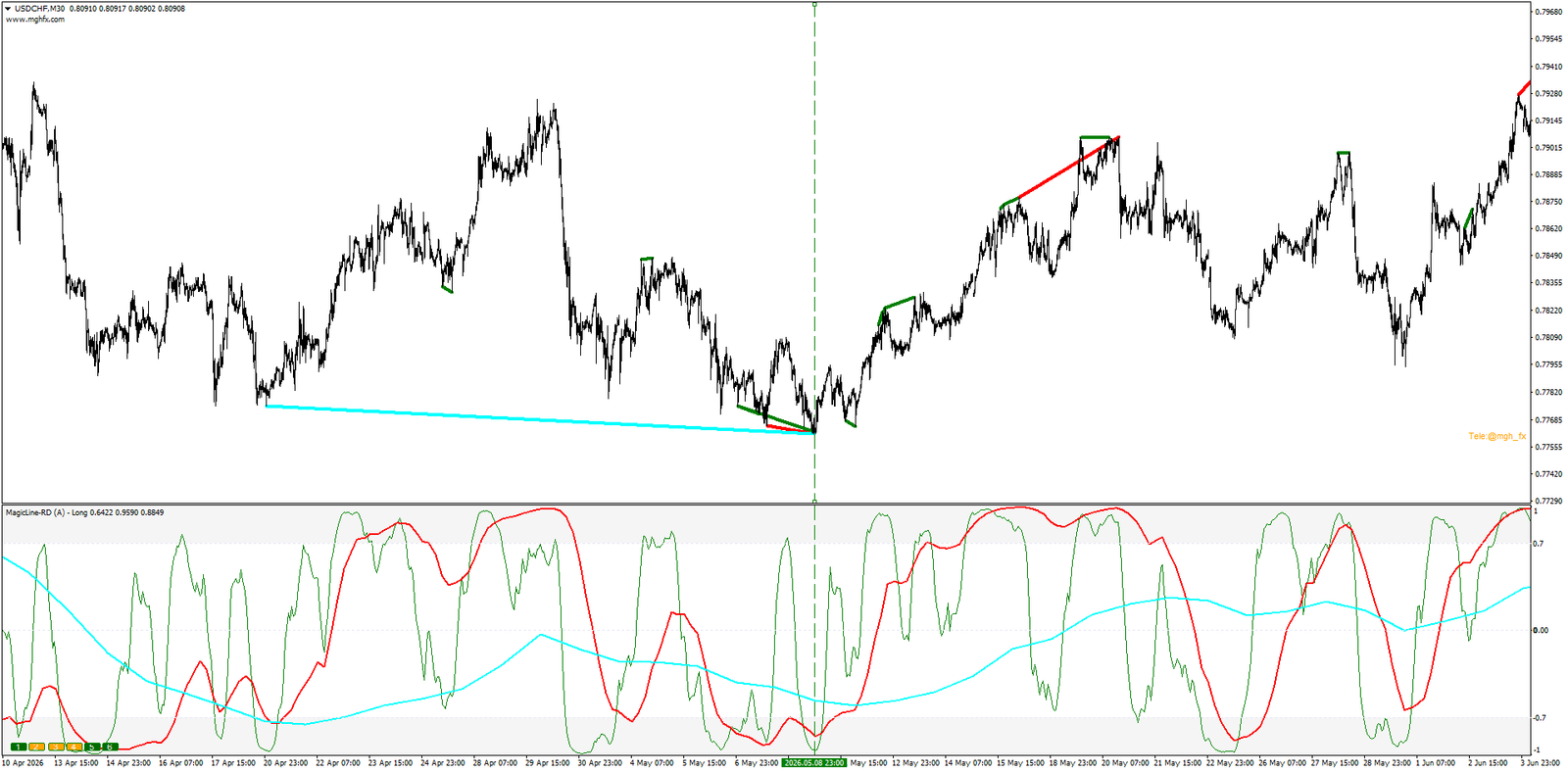
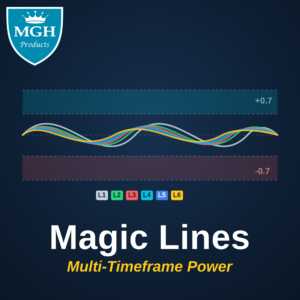
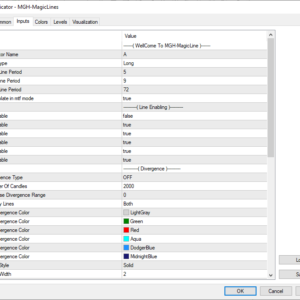
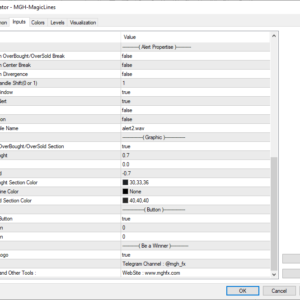
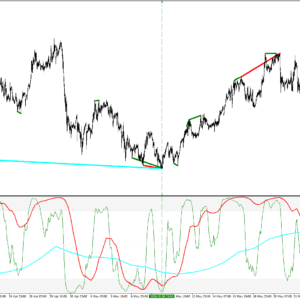
- Each line’s color is fixed and shown in the enable setting name: L1 LightGray, L2 Green, L3 Red, L4 Aqua, L5 DodgerBlue, L6 MidnightBlue.
- Adjustable Overbought / Center / Oversold zones act as a live trend-strength gauge.
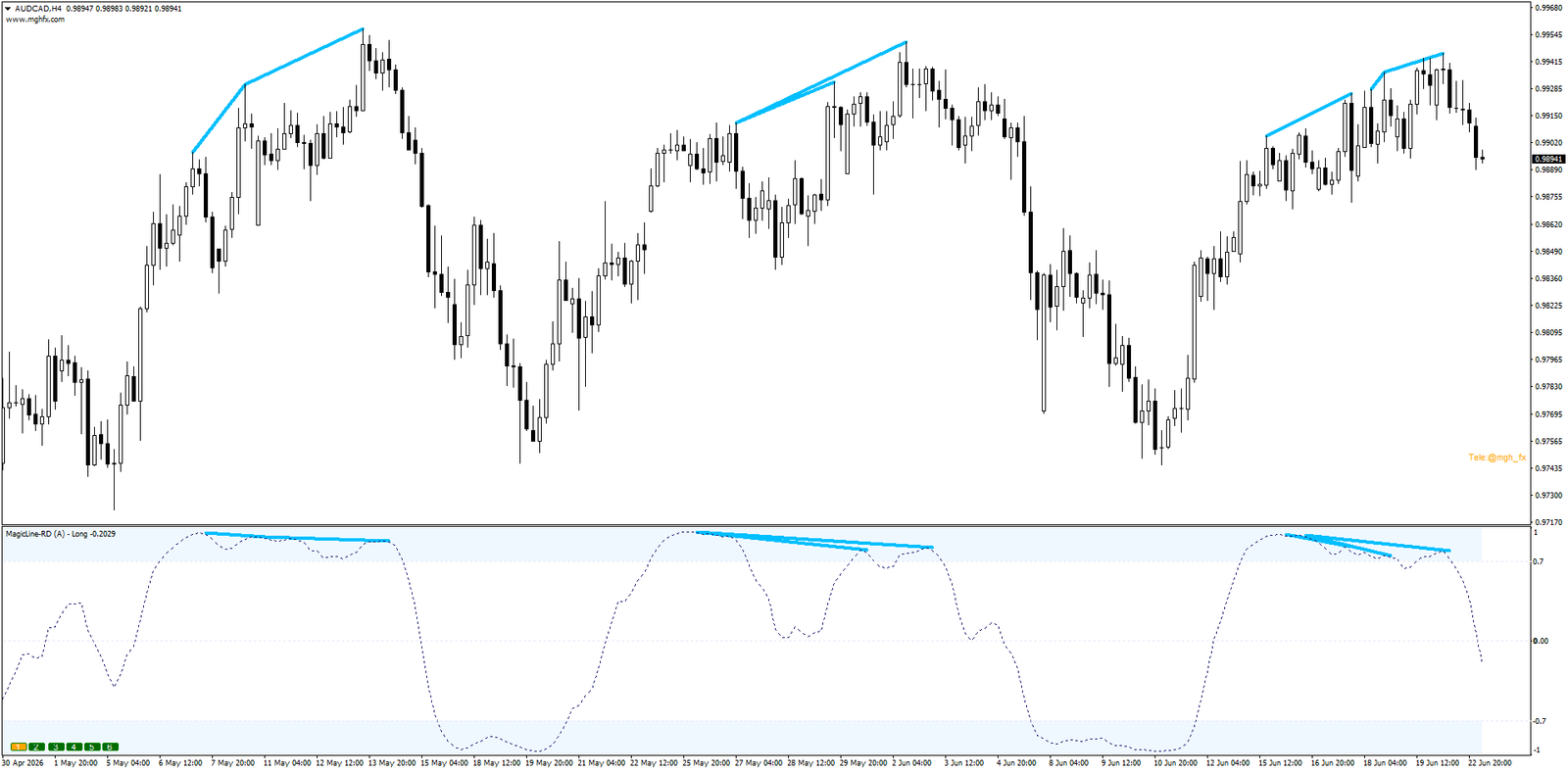
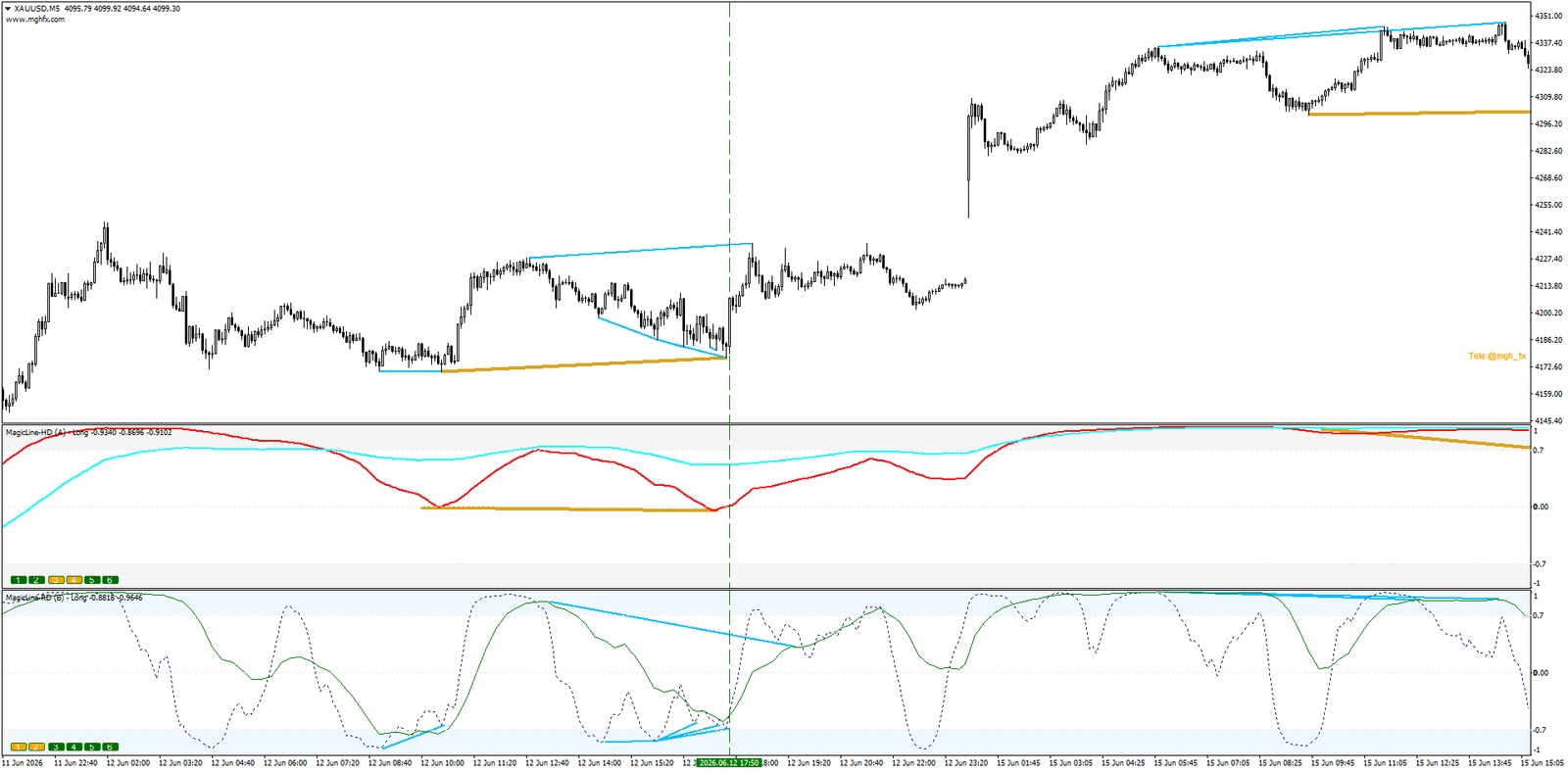
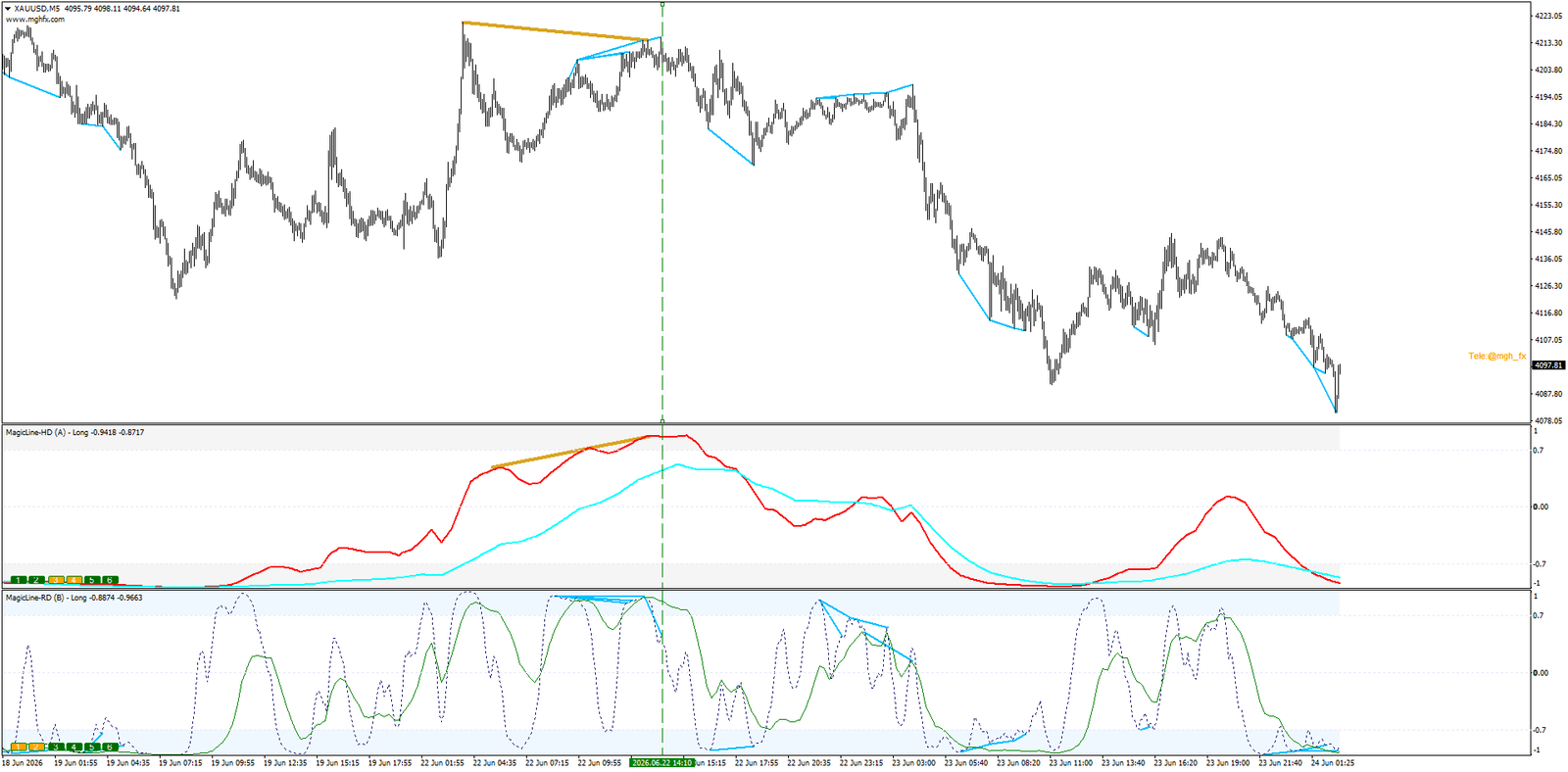
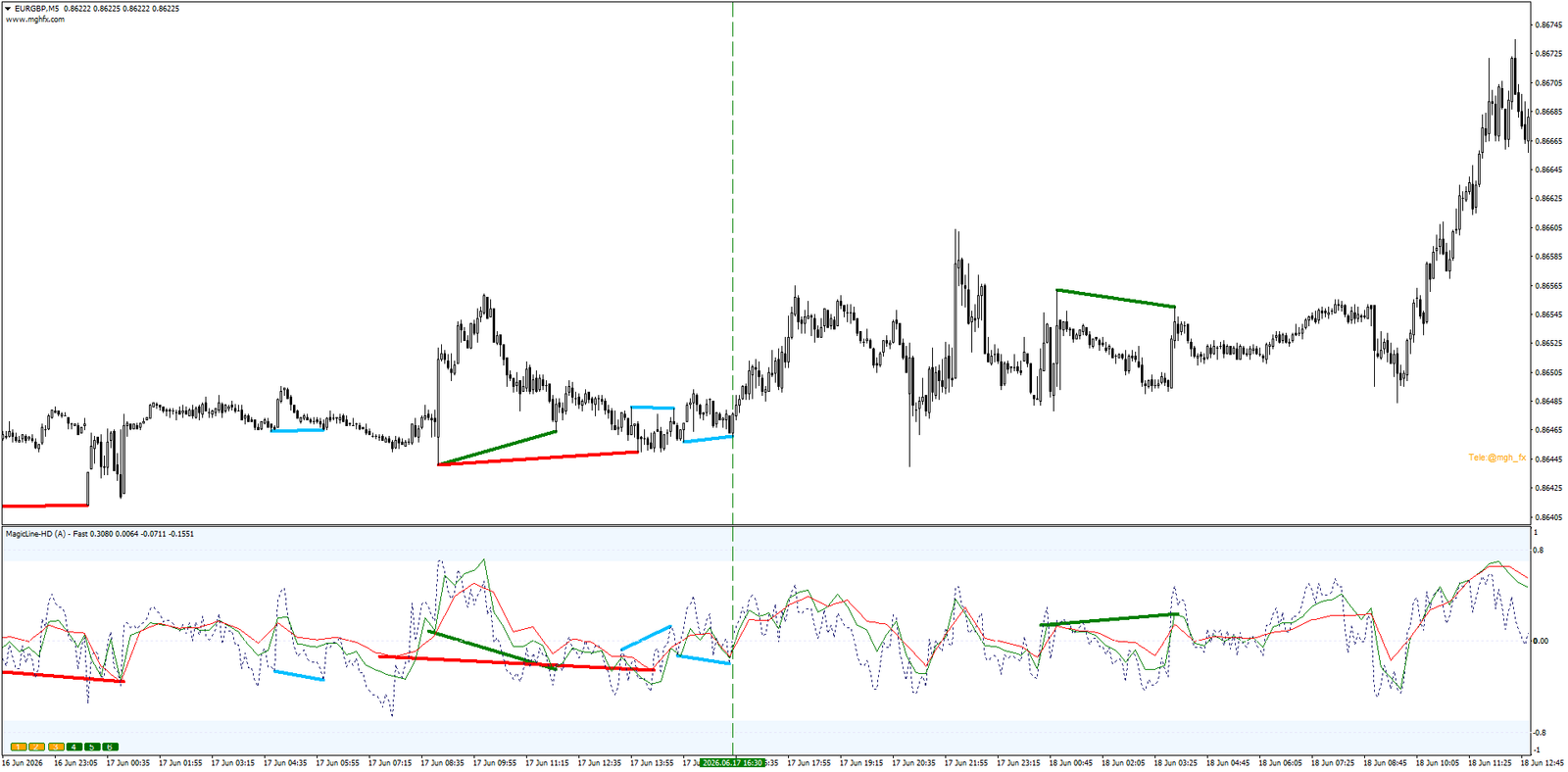
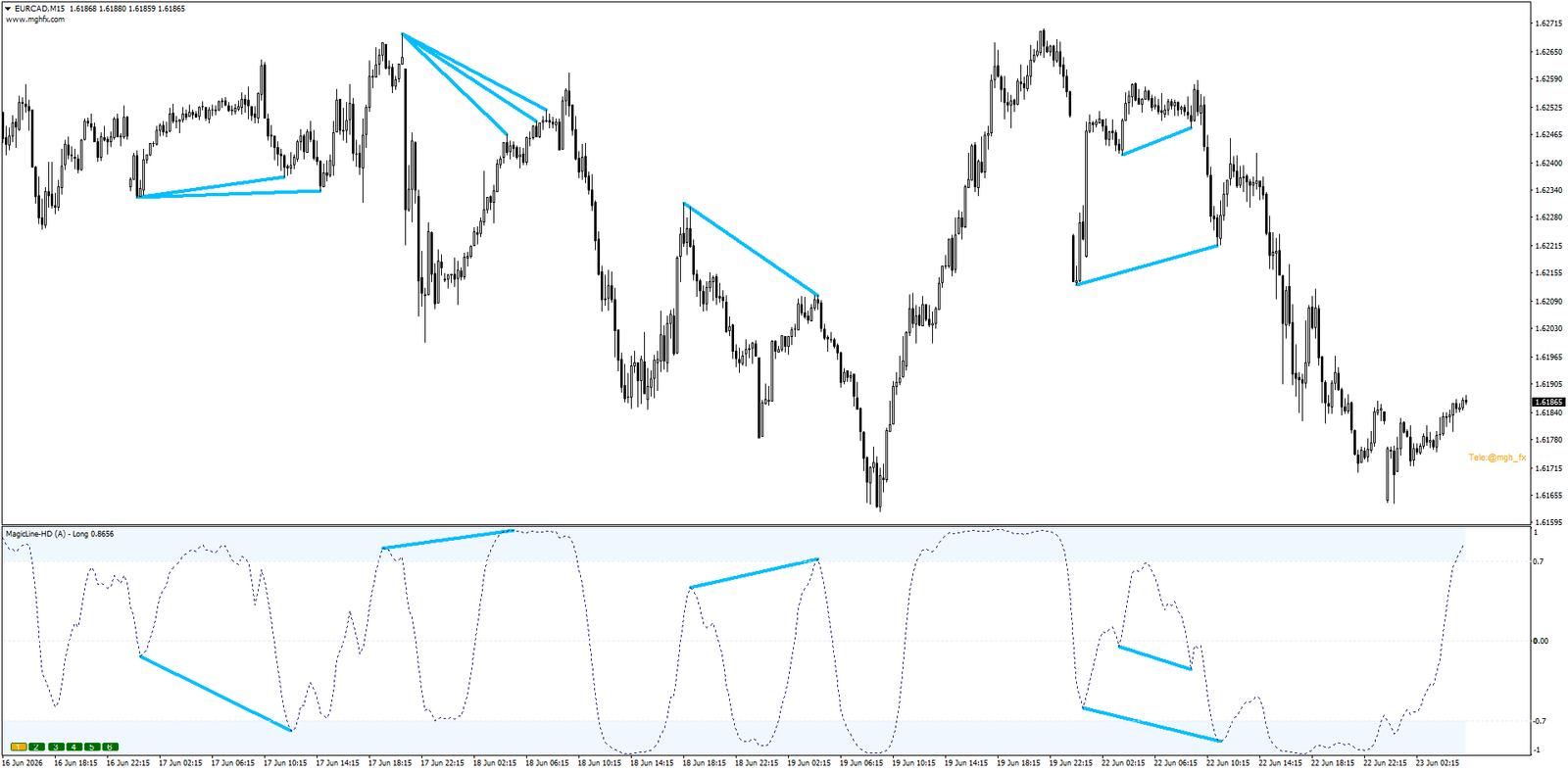
Regular & Hidden Divergence — Both Types, Drawn on Price
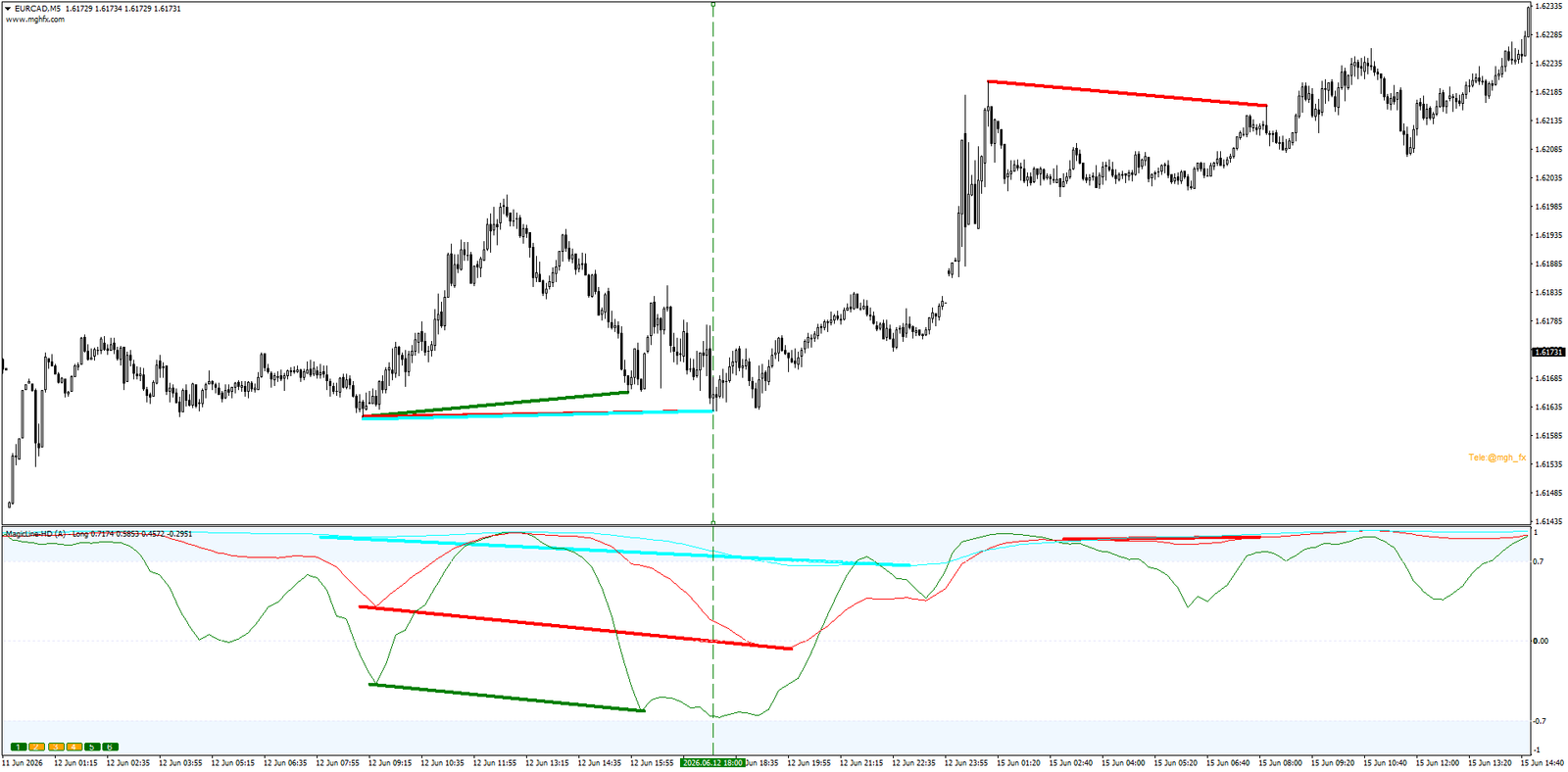
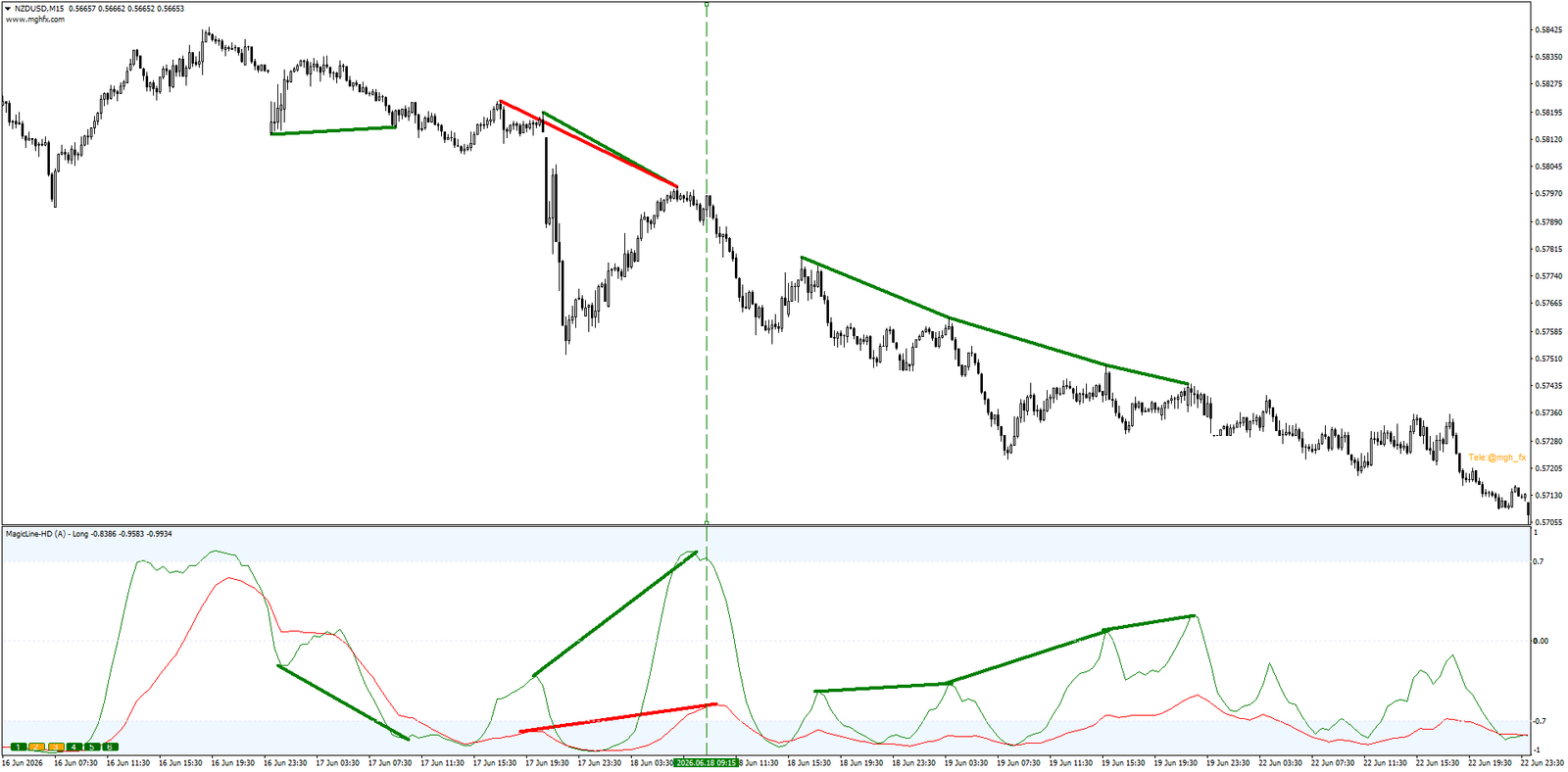
Set Divergence Type to Regular or Hidden; the mode (RD / HD) is added to the indicator name, so running both instances simultaneously stays perfectly clear.
The Reversal Signal
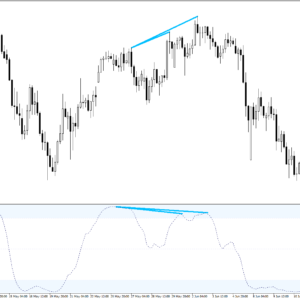
Price reaches a new extreme while the indicator pulls back. Highlights potential turning points before they fully develop.
The Continuation Signal
Confirms that a pullback is just a pullback — and the trend is preparing to resume. The favorite tool of serious trend-followers.
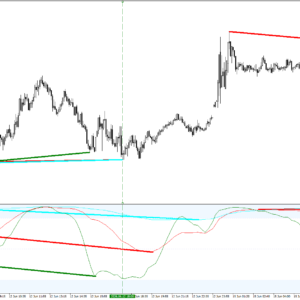
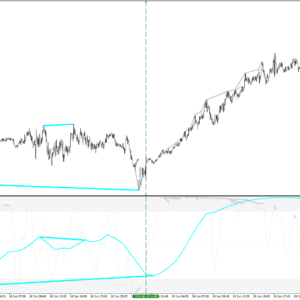
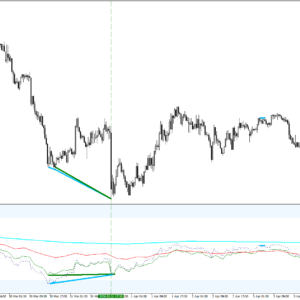
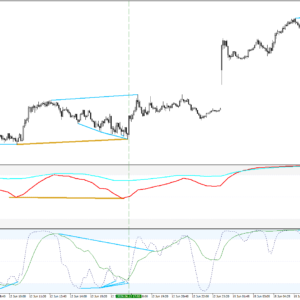
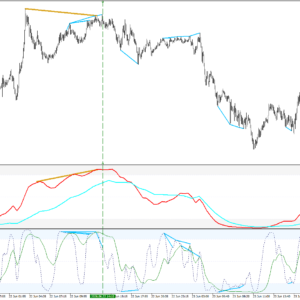
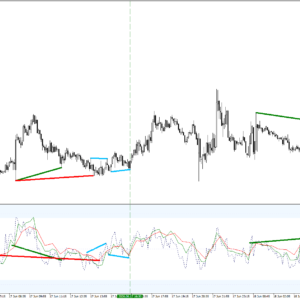
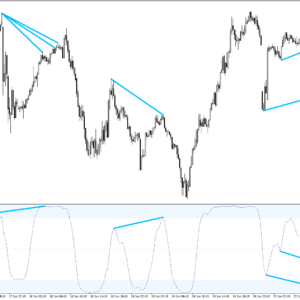
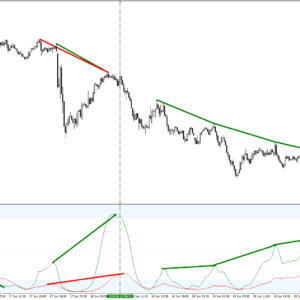
Every divergence is drawn in the indicator window and directly on the price chart, connecting the exact candles involved, color-coded per timeframe. The color alone tells you which timeframe produced the signal — no manual peak-matching required. The Increase Divergence Range input extends detection to farther peaks and valleys, surfacing larger-scale setups that standard tools miss.
Two Core Strategies
- Divergence Stacking. Multiple RD (or HD) signals from different timeframes converging on the same candle. Each color is a different timeframe agreeing at the same spot. The more that stack, the higher the conviction — and the cleaner the read.
- RD + HD Confluence. Run two instances side by side: Hidden divergence from a higher timeframe (Daily/Weekly) for direction, Regular divergence from a lower timeframe (H1/H4) for timing. When both windows agree at the same turn, the setup speaks for itself.
Three Independent Alerts
OB/OS Break
Momentum entering the Overbought or Oversold zone — trend strength confirmed.
Center Break
A line crossing the center level — early sign of a shift in control.
Divergence
Fires the moment a Regular or Hidden divergence is confirmed on your chart.
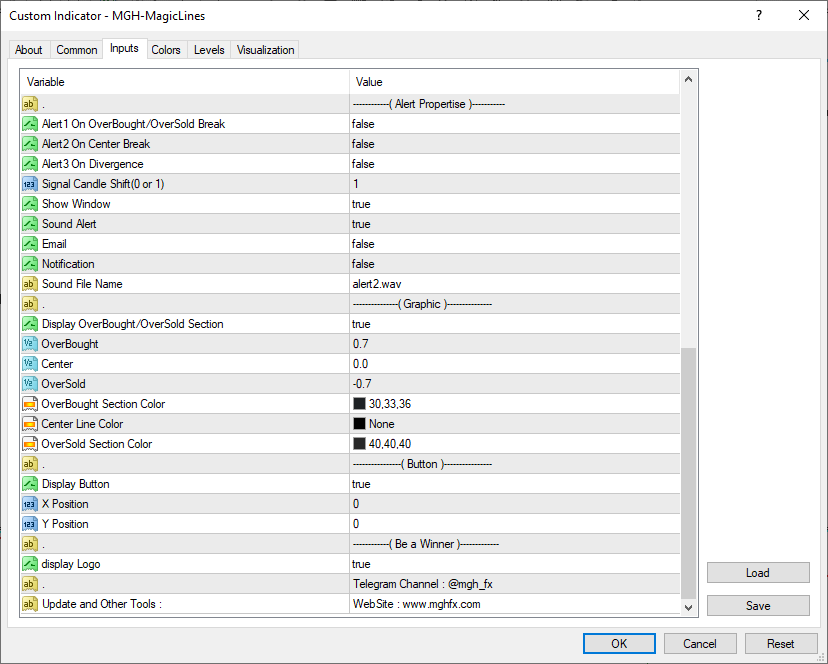
Delivery: popup, sound, email, or push notification. Signal Candle Shift (0 or 1) controls whether alerts fire on the live candle or only on closed-candle confirmation.
Feature Summary
Three Line Engines
Slow, Long, and Fast with independent periods — one indicator, three personalities.
Auto Timeframe Selection
Smart algorithm picks timeframes at least 3× apart, adapting automatically to your chart period.
Manual Timeframe Control
From Inputs mode: assign any MT5 period (M1 to Monthly) independently to each of the six lines.
RD + HD Detection
Both divergence types, with the active mode shown in the window name for instant identification.
On-Chart Drawing
Every divergence drawn in the window and on the candles, color-coded per timeframe. No manual matching.
Full Alert Suite
Three independent alerts via popup, sound, email, and push — with closed-candle confirmation option.
Up and Running in Two Minutes
- Attach MagicLine to any MT5 chart, any symbol, any timeframe.
- Pick your Line Type — Slow, Long, or Fast — to match your trading style.
- Set TimeFrame Type to Auto for instant multi-timeframe spread, or From Inputs to assign each line manually.
- Enable the lines you want (L1–L6) and set Divergence Type to Regular or Hidden — or load a second instance for RD + HD confluence.
- Switch on your preferred alerts and walk away — MagicLine watches the market for you.
Questions about settings or configuration? Message me directly through MQL5 — I personally answer every message and I am happy to help you fit MagicLine to your exact strategy. Contact the author →
🔗 Looking for the MT4 version? Click here → Magic Lines MT4
See the Whole Market in One Window
Download the free demo, load MagicLine on your MT5 charts, and test Auto timeframe selection against your own strategy. Try all three engines. Stack the divergences. Let the chart convince you.
MT5 version · MT4 version available separately · Rent from $30/month on MQL5 Market

Reviews
There are no reviews yet.