
MGH Products · MetaTrader 5
MGH-MultiStoch
See the trend in 6 timeframes at once — and learn to project the market’s next waves before they unfold. One window, one glance, the complete multi-timeframe picture.
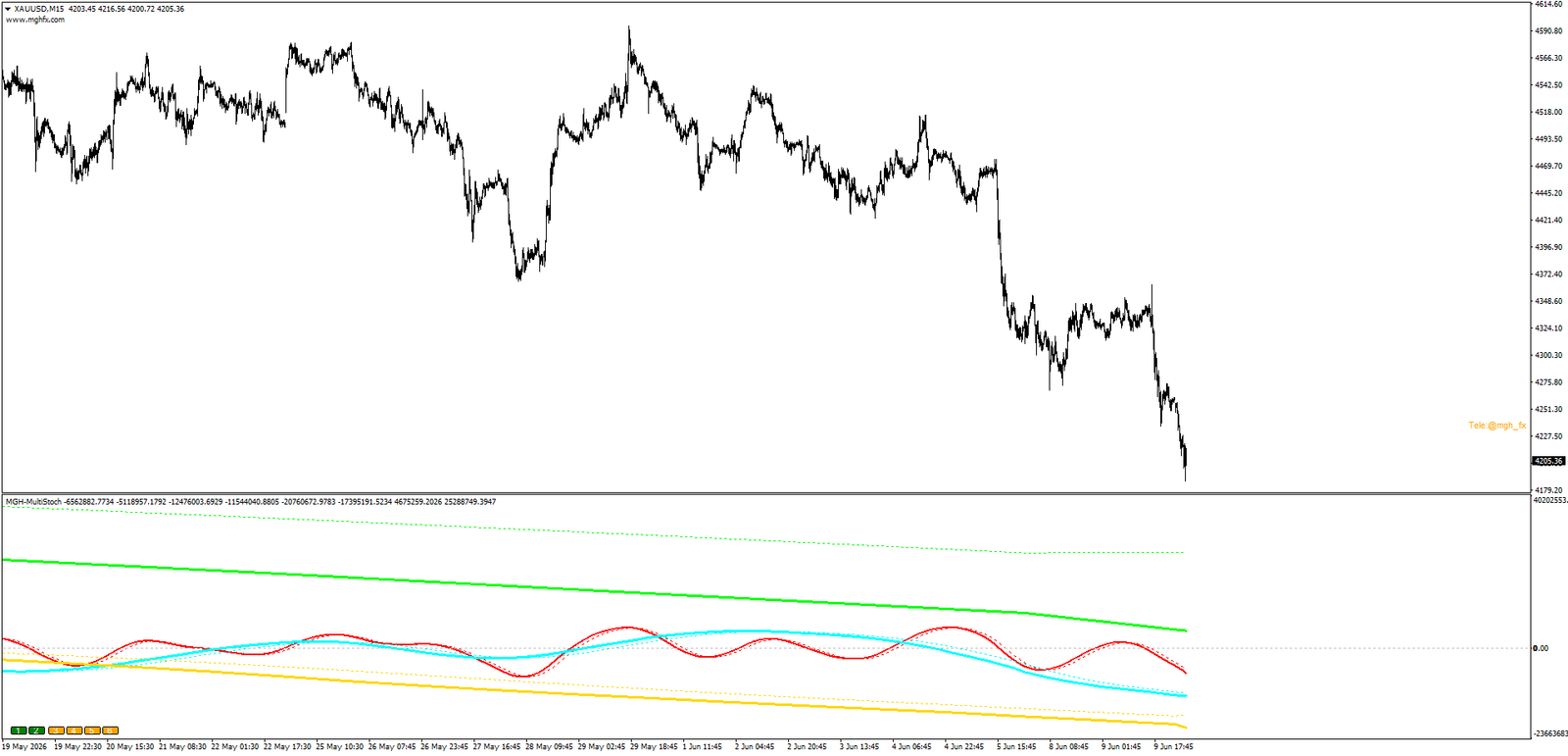
Most trend indicators tell you where the market was. MGH-MultiStoch is built to show you where the market is — across every timeframe that matters — and, with its unique wave-projection method, to help you map out where it is likely to go next.
This is not another smoothed oscillator. It is a multi-timeframe trend engine that displays up to six independent timeframes in a single window, designed for traders who want multi-dimensional trend confirmation, effortless wave counting, and a structured way to build forward-looking market scenarios. This is the MetaTrader 5 edition — and because MT5 supports a wider range of timeframes, it adds full per-line timeframe selection, giving you complete control over the exact series you analyse.
The Problem Every Trader Knows
A signal looks perfect on your current timeframe. You take the trade. It fails — not because your entry was wrong, but because you were trading against the higher-timeframe flow you couldn’t see. This single blind spot quietly drains more accounts than any other mistake.
- Your signal has no confirmation from the timeframes above it.
- You’re forced to flip between charts, losing the moment while you check.
- One-dimensional indicators show a single period in isolation, hiding the bigger picture.
- You react to moves after they happen instead of preparing for them in advance.
Years of experience designing automated trading systems point to one conclusion again and again: correct multi-timeframe alignment is one of the most decisive factors in the final performance of any trading system. MGH-MultiStoch was built around that single insight.
The Core Idea: Waves Inside Waves
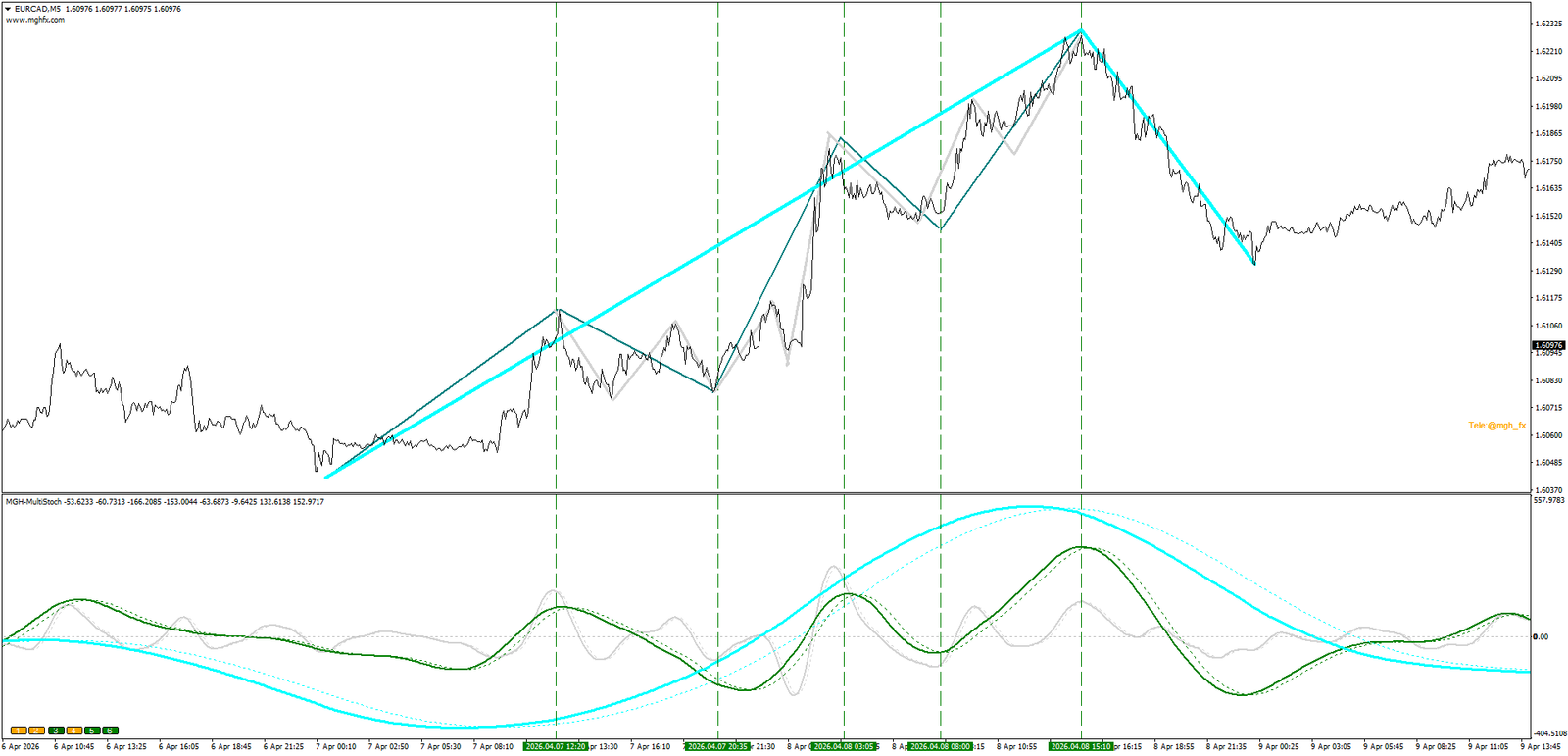
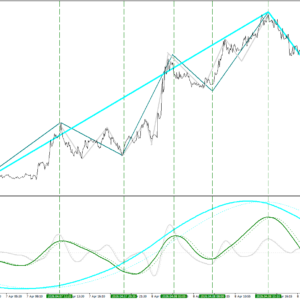
The market moves in nested waves. Every move on a higher timeframe is built from smaller moves on the timeframe below it. MGH-MultiStoch makes that structure visible, because each line’s crosses naturally segment the market into countable waves.
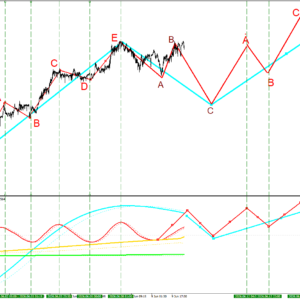
Motive WaveOn M15, a motive (impulse) wave on H1 is typically built from a five-swing a-b-c-d-e sequence. Those five swings must form before the H1 motive wave is complete — minimum a-b-c.
Corrective WaveOn M15, a corrective wave on H1 is typically built from a three-swing a-b-c sequence — minimum a single a-wave. Recognising which phase you’re in is the key to projection.
The Flagship Method: Future Wave Projection
This is what makes MGH-MultiStoch genuinely different. Instead of only reacting to the market, you can construct a complete forward scenario of the coming waves — and then simply wait for your alert to fire.
How the Method Works
- Use adjacent timeframes with a 4×–6× ratio. For example: M15 → H1 → H4 → H12 (or D1) is an ideal series for wave analysis. Enable them together with the on-chart buttons or from the inputs.
- Identify the wave structure. On your working timeframe, read whether the developing higher-timeframe wave is motive (five swings) or corrective (three swings).
- Wait for the trigger. The method is most effective right after a fresh cross on a higher timeframe such as H4 or D1 — the earliest structural sign a new move is starting.
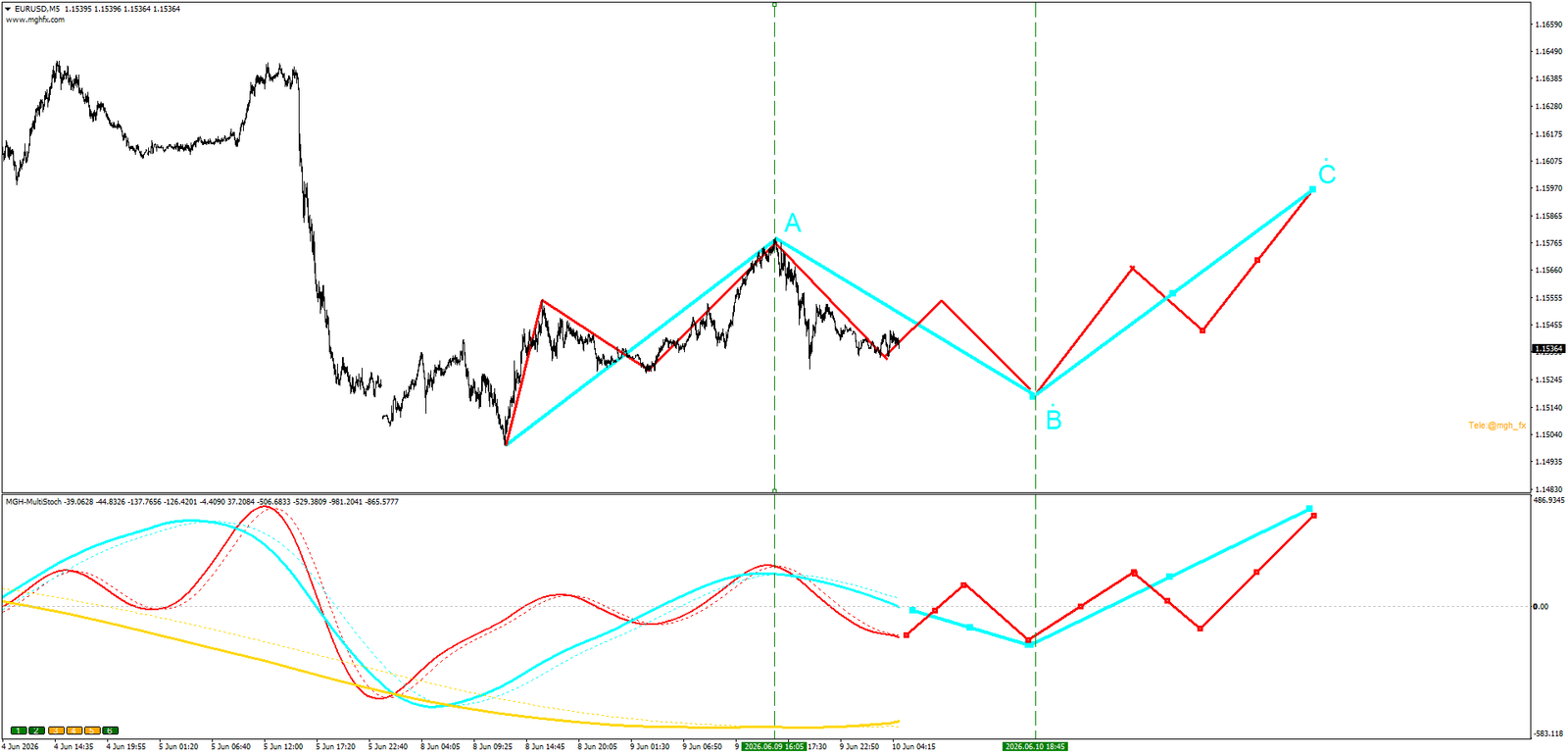
- Project the path. Based on motive-or-corrective logic, outline the expected wave sequence on both the lower and higher timeframes — before it unfolds.
- Set the alert and walk away. Let the indicator watch the market and call you when your scenario point arrives.
A Real Example — GBPNZD M15
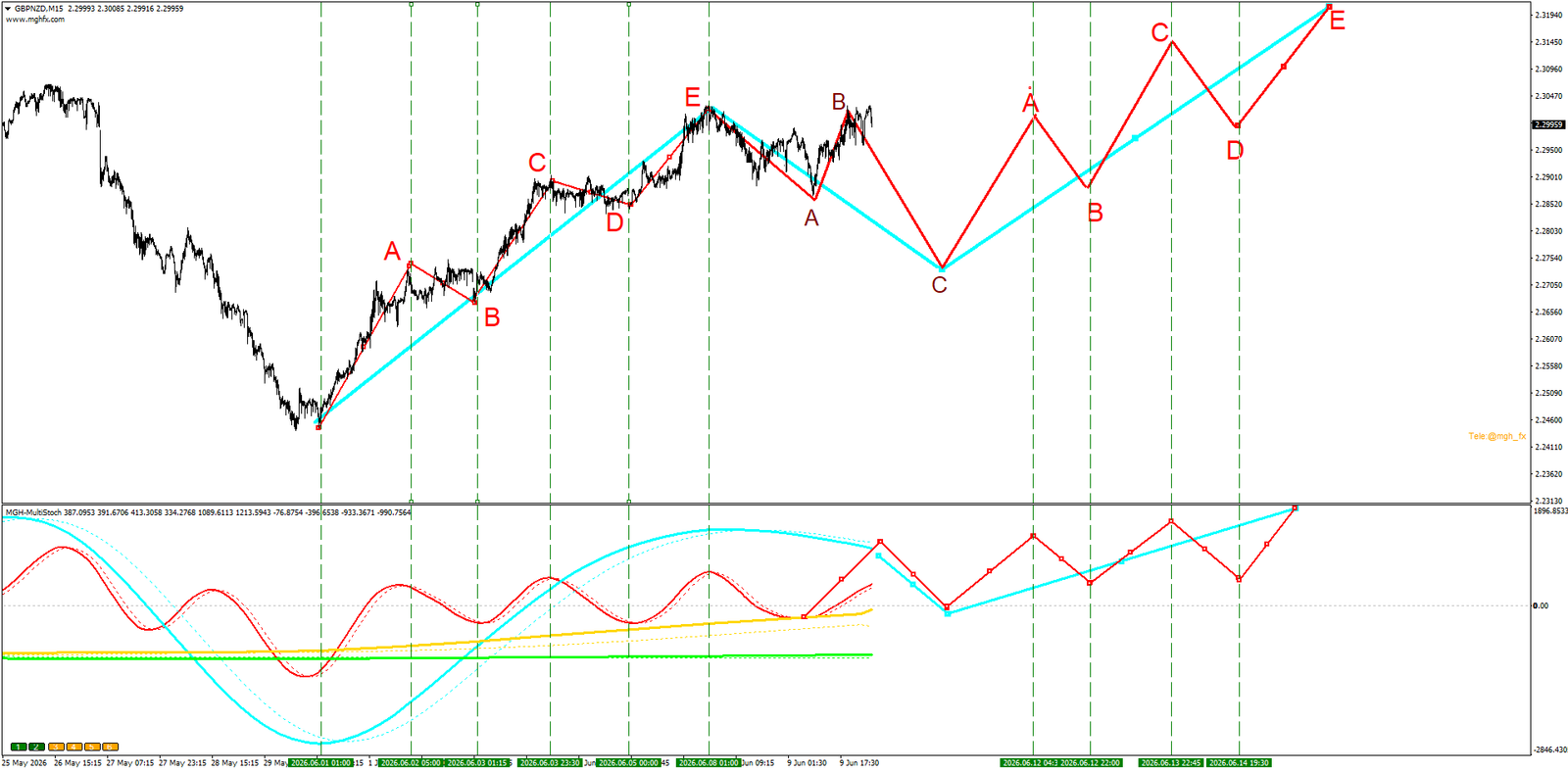
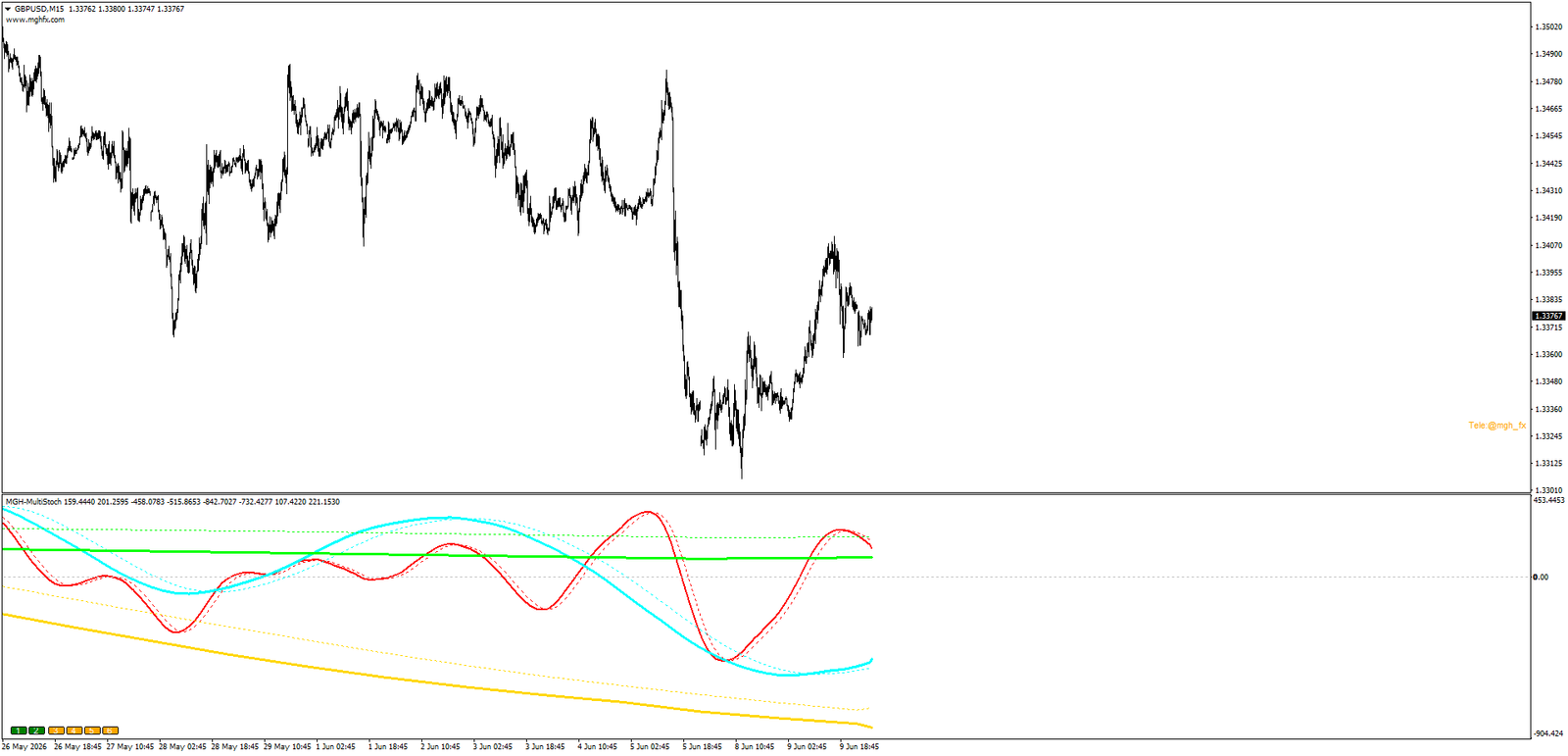
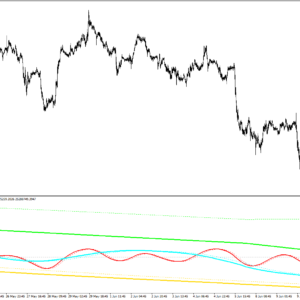
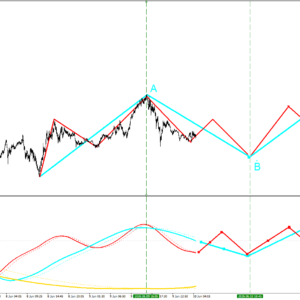
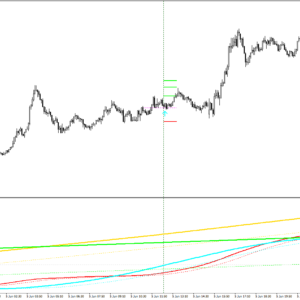
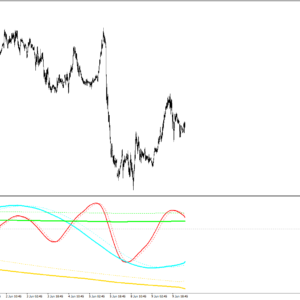
On the GBPNZD M15 chart, the red line is H1, blue is H4, yellow is Daily and green is Weekly. A fresh cross has just formed on the Daily and Weekly lines. Since a full a-b-c-d-e motive wave has completed on H1, a corrective phase on H4 can be expected — meaning a three-wave a-b-c should print on H1, followed by a continuation of the upward movement. The projected path is drawn on the chart in advance, then the market follows it.
New in MT5: Auto or Manual Timeframe Selection
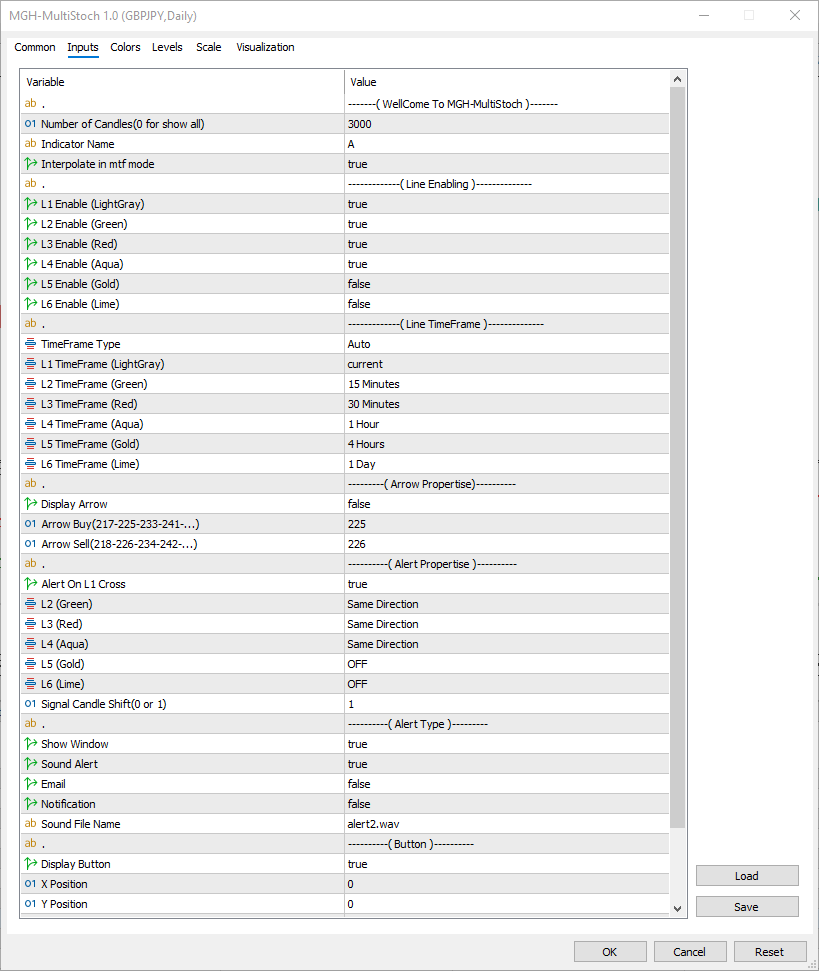
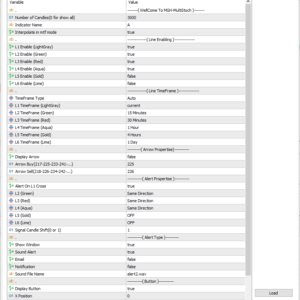
The MetaTrader 5 edition takes full advantage of the wider range of timeframes MT5 offers. A new TimeFrame Type setting lets you decide exactly how the six lines pick their periods.
Two Ways to Build Your Timeframe Series
Choose the workflow that fits how you trade.
AutoThe indicator selects the timeframes for you, following the principle of adjacent timeframes with a 4×–6× ratio. Attach it, and the full series is built automatically — no manual setup needed.
From InputsYou assign an independent timeframe to each line — for example L1 Current, L2 M15, L3 M30, L4 H1, L5 H4, L6 D1. Complete control over the exact structure you want to analyse.
A Universal Confirmation Filter for Any Strategy
Beyond projection, MGH-MultiStoch is a powerful confirmation layer for the strategy you already trade.
📈
For Trend Strategies
Require that one or two higher timeframes agree with your signal direction before entering. This single filter can sharply upgrade the quality of any system’s signals.
🔄
For Reversal Strategies
Spot the exact moment a fresh cross appears on a higher timeframe — the earliest structural evidence that the tide may be turning.
🌊
For Wave Traders
The line crosses segment the market into clean, countable waves, making Elliott-style wave counting remarkably simple and visual.
Smart, Fully Customizable Alerts
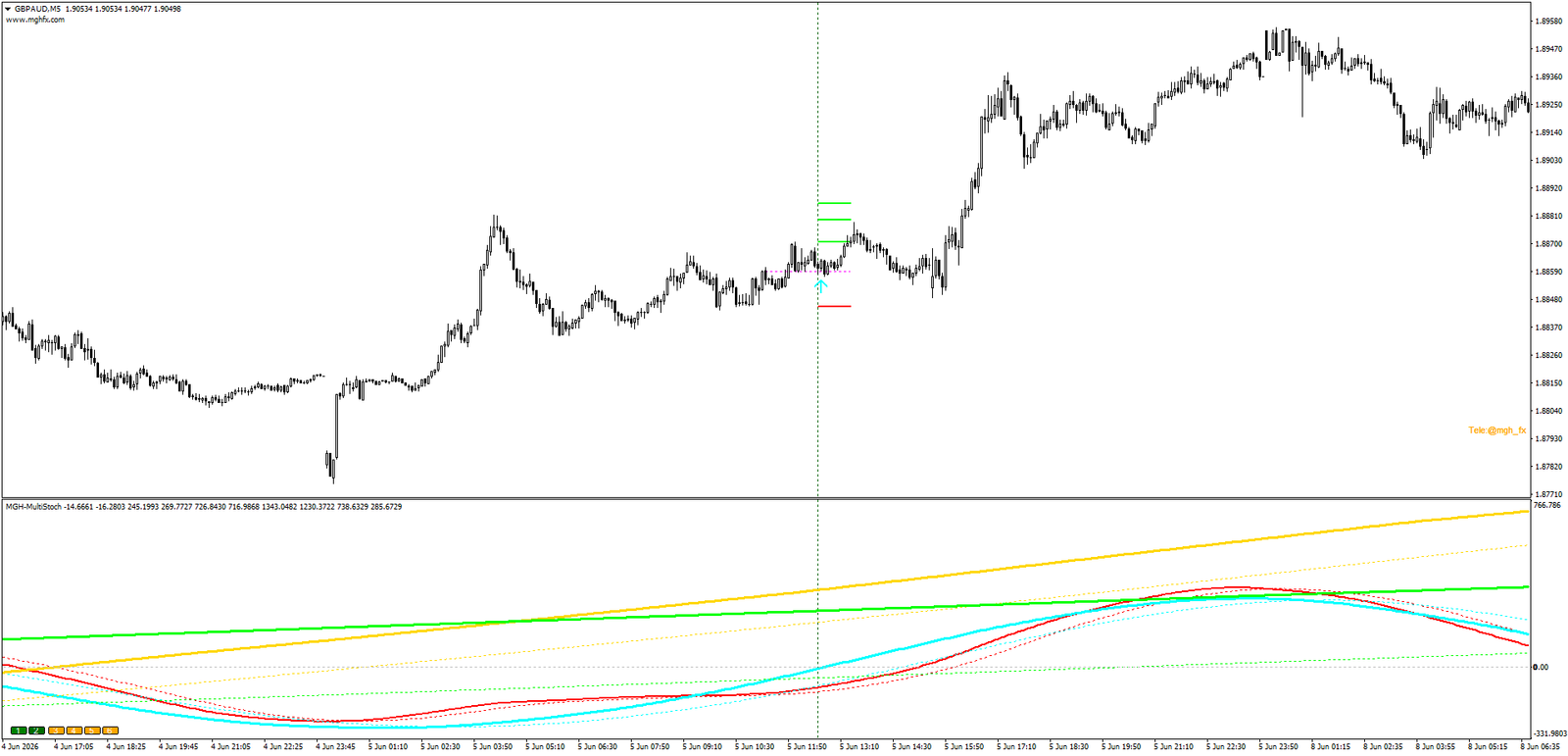
The alert system goes far beyond a simple cross alert. The trigger is the cross on your current timeframe — but you filter it with the state of every other line.
For each line independently, you choose Same Direction, Opposite Direction, or OFF. For example: alert me only when M15 crosses up while the H1 and H4 lines are rising and the H12 line is falling. You define the exact condition; the indicator watches the market for you.
Signal Candle: 0 or 1 — Speed vs. Reliability
You decide the balance between an early signal and a confirmed one.
Candle 0The fastest possible signal. The candle is still open, so the signal can change — ideal when speed matters most.
Candle 1Waits for the candle to close. A little slower, but with a much lower probability of repaint — ideal for confirmation.
Delivery Channels
🖥️Popup
On-screen window alert
🔊Sound
With selectable sound file
Straight to your inbox
📱Push
To your mobile terminal
Complete Feature Set
- 6 timeframes in one window — toggle each line instantly with on-chart buttons (1–6) or from the inputs.
- Auto or manual timeframe selection — TimeFrame Type picks the 4×–6× series automatically, or reads your own choice for each line from the inputs.
- Independent timeframe per line — assign any supported MT5 timeframe to each of the six lines.
- Unique multi-timeframe engine — a saturation-style stochastic calculation built specifically for this product.
- Future wave projection — build complete forward scenarios from higher-timeframe crosses.
- Wave-friendly structure — crosses segment the chart into clean, countable waves.
- Per-line alert direction logic — Same, Opposite, or OFF for every line independently.
- Signal candle selection (0 or 1) — choose faster signals or lower repaint probability.
- Interpolation (MTF smoothing) — beautifully smooth lines for clean chart graphics.
- Adjustable calculation depth — control the number of candles analysed.
- Movable / removable buttons — position the 1–6 buttons anywhere, or hide them.
- Hover tooltips — hold the cursor on any line to instantly see its timeframe.
- Optional buy/sell arrows — with fully configurable arrow codes.
- Built for MetaTrader 5 — a MetaTrader 4 version is also available separately.
Who Is This For?
Trend TradersWho refuse to enter against the higher-timeframe flow.
Wave AnalystsWho want an objective, mechanical way to count waves.
Reversal TradersHunting the earliest structural switch points.
System BuildersWho need a powerful, configurable confirmation filter.
Get Started in Minutes
- Attach the indicator to your working timeframe, for example M15.
- Choose your TimeFrame Type — Auto for an automatic 4×–6× series, or From Inputs to set each line yourself.
- In From Inputs mode, assign your series — for example M15, M30, H1, H4 and D1.
- Watch for a fresh cross on the highest active timeframe — your structural trigger.
- Outline the expected wave sequence on the lower timeframes.
- Set a conditional alert that matches your scenario — then let the indicator do the watching.
Support: Questions about setup or the wave-projection method? Message me directly through MQL5 and I’ll help you configure MGH-MultiStoch for your exact strategy and workflow.
See the Market in Multiple Dimensions
The market moves in nested waves across timeframes — trade it that way. Add MGH-MultiStoch to your chart, enable your timeframe series, and experience trend detection, wave counting and forward projection in one elegant tool.
Trading involves substantial risk. This indicator is an analysis tool and does not guarantee any trading results. Always test on a demo account first.

Reviews
There are no reviews yet.