Why Mobile Trading Has Become Central to Forex
Forex is a 24-hour market. It doesn’t pause when you leave your desk, and price-moving events — central bank announcements, geopolitical shifts, economic data releases — don’t wait for convenient moments. This reality has made mobile trading apps an essential part of the modern trader’s toolkit, not just a backup option.
But convenience comes with trade-offs. The app you choose, and how you use it, has a real impact on your execution quality, analytical depth, and ultimately your results. This guide compares the most widely used mobile trading platforms for forex and helps you understand what to look for — and what to be cautious about.
The Main Mobile Trading Apps for Forex Traders
MetaTrader 4 (MT4) Mobile
MT4’s mobile app remains one of the most widely used forex trading applications in the world, largely because so many brokers offer it as their primary platform. The app provides real-time quotes, interactive charts with multiple timeframes, a solid selection of built-in technical indicators, and full order management — including the ability to set stop-loss and take-profit levels directly from your phone.
Its key limitation on mobile is the absence of support for custom indicators or Expert Advisors (EAs). The automated and custom-indicator features that make MT4 so powerful on desktop are unavailable in the mobile version. For traders who rely heavily on custom tools, the phone becomes a monitoring and management device rather than a full analytical station.
MetaTrader 5 (MT5) Mobile
MT5’s mobile app builds on MT4’s foundation with a few meaningful additions: more order types (including Buy Stop Limit and Sell Stop Limit), an integrated economic calendar, and support for more asset classes. The charting interface is comparable to MT4 mobile, and the overall feel is familiar to anyone already using the desktop version.
Like MT4 mobile, MT5 mobile does not run custom indicators or automated scripts. If you’re deciding between the two platforms overall, the MT4 vs MT5 comparison covers the broader differences in depth — but on mobile specifically, the gap between them narrows considerably.
cTrader Mobile
cTrader has carved out a strong niche among ECN-focused traders. Its mobile app is notably polished, with smooth charting, one-click trading, and a cleaner interface than MT4/MT5 mobile. It supports advanced order types and provides transparent depth-of-market (DOM) information, which is useful for traders who care about execution transparency. If your broker offers cTrader, it’s worth testing alongside MetaTrader.
Broker-Proprietary Apps
Many brokers have built their own mobile apps — some are genuinely well-designed and tightly integrated with the broker’s features, while others are stripped-down interfaces that prioritize simplicity over functionality. These apps are worth evaluating on a case-by-case basis, but be aware that switching brokers means losing your app setup entirely. When choosing a forex broker, it’s worth factoring in the quality of their mobile offering alongside regulation, spreads, and support.
What to Look for in a Mobile Trading App
Charting and Technical Analysis Tools
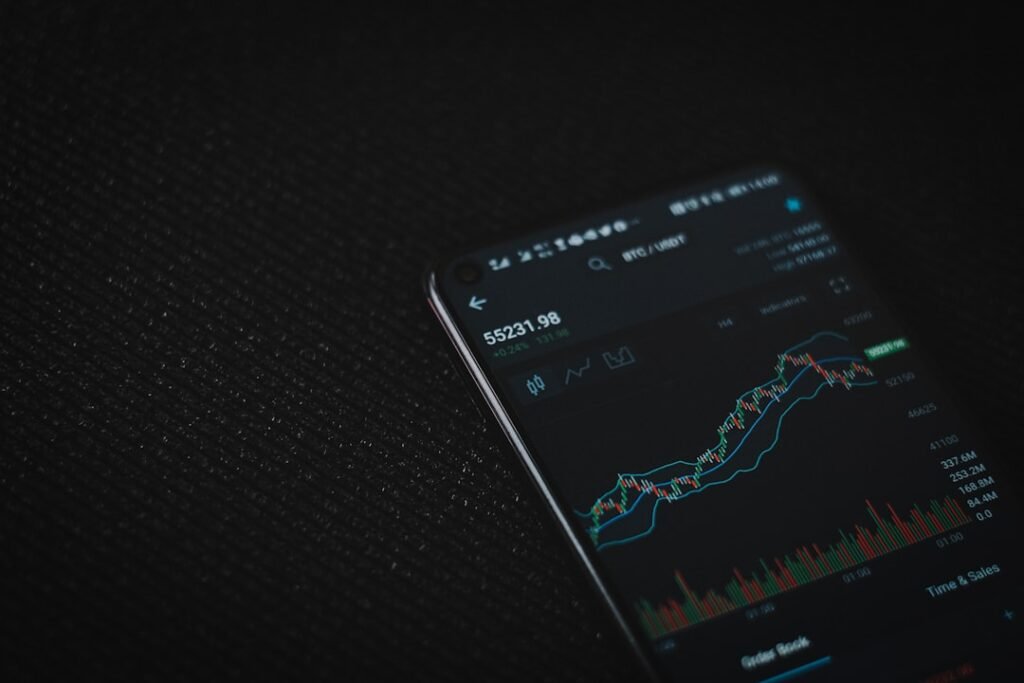
A mobile app’s charts don’t need to replicate a full desktop terminal, but they should let you identify key levels and read price action clearly. Look for: multiple timeframe options (at least M1 through Monthly), the ability to draw trend lines and horizontal levels, and a reasonable selection of built-in indicators like moving averages, RSI, and MACD. Being able to spot support and resistance levels on a clean mobile chart is a basic but critical requirement.
Order Management and Execution Speed
The most important practical function of a mobile app is placing and managing orders accurately and quickly. Check that the app allows you to set stop-loss and take-profit levels at the time of order entry (not as an afterthought), modify open positions, and close trades with minimal taps. Clunky order flows on mobile can lead to costly mistakes under pressure.
Execution speed on mobile depends heavily on your internet connection. A 4G or 5G connection is generally reliable, but Wi-Fi in public spaces can be inconsistent. Always be aware of your connection quality before placing or adjusting trades.
Security Features
Mobile devices can be lost, stolen, or accessed by others. A trustworthy trading app should support biometric login (fingerprint or Face ID) and two-factor authentication. Never trade from an unsecured public Wi-Fi network without a VPN, and ensure your phone itself has a strong lock screen. These aren’t optional precautions — they protect real money.
Notifications and Alerts
Price alerts and push notifications allow you to stay informed without watching the screen constantly. The best mobile apps let you set custom price alerts, margin call warnings, and trade execution confirmations. This turns your phone into an effective monitoring tool even when you’re not actively trading.
Honest Limitations of Mobile Trading
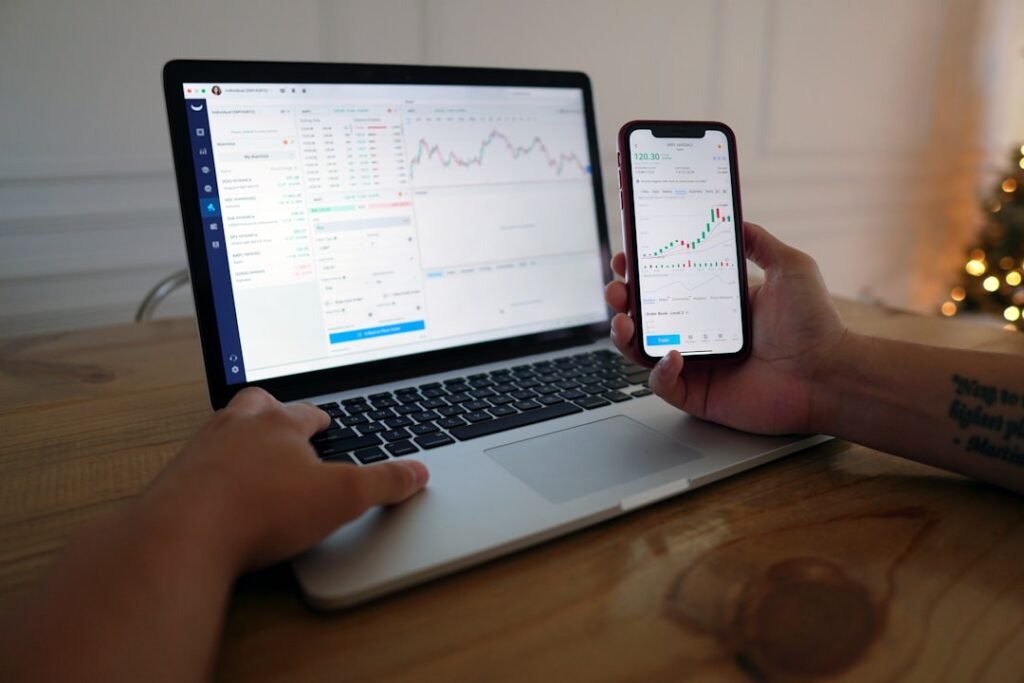
Mobile apps are excellent for monitoring positions, executing straightforward trades, and reacting to fast-moving events when you’re away from your desk. They are less suited for deep multi-chart analysis, complex strategy building, or running automated systems. Strategies like breakout trading, which often require watching multiple pairs and timeframes simultaneously, are harder to execute well on a small screen.
Traders should also be cautious about overtrading on mobile. The frictionless, always-available nature of a phone app can encourage impulsive entries that wouldn’t survive the extra scrutiny of a desktop session. Treat your mobile app as a complement to your desktop workflow — not a replacement for it.
For traders using MetaTrader indicators or Expert Advisors, the desktop or VPS environment remains essential. Custom tools from providers like MGH Products run on the full MetaTrader desktop client and bring genuine analytical and automation depth that no mobile app currently matches.
Choosing the Right App for Your Style
If your broker supports MetaTrader, start with the MT4 or MT5 mobile app — they’re reliable, widely supported, and familiar. If you trade with an ECN broker and value execution transparency, cTrader mobile is worth a serious look. If your broker offers a proprietary app, test it for at least a few weeks on a demo account before relying on it with live funds.
Above all, understand what role mobile trading plays in your overall process. Used thoughtfully — for monitoring, trade management, and opportunistic entries — a good mobile app is a genuine edge. Used carelessly, it’s a fast path to avoidable mistakes.
This article is for educational purposes only and does not constitute financial or investment advice. Trading forex involves significant risk and may not be suitable for all investors.
Photo by Viktor Forgacs on Unsplash